
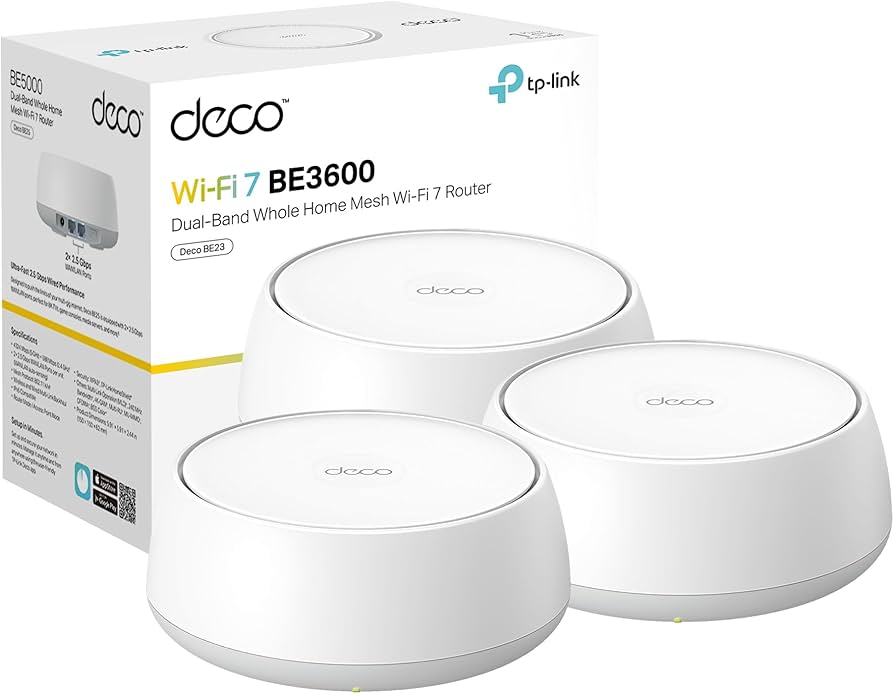
Why Wi-Fi 7 changes home networking
Wi-Fi 7 (802.11be) is the first major shift in home networking standards since Wi-Fi 6 arrived. For a 2026 Wi-Fi 7 router, the upgrade isn't just about higher peak speeds; it's about handling the congestion of modern smart homes with far less frustration. The real advantage lies in how Wi-Fi 7 manages data traffic, specifically through Multi-Link Operation (MLO) and wider 320MHz channels.
The most significant improvement is MLO. Previous Wi-Fi standards could only use one frequency band at a time—either 2.4GHz, 5GHz, or 6GHz. Wi-Fi 7 allows a device to send data simultaneously across multiple bands. Think of it like adding lanes to a highway while traffic is moving. If the 5GHz lane gets clogged by a neighbor's network or a microwave, the router instantly shifts data to the 6GHz or 2.4GHz lanes without dropping the connection. This results in significantly lower latency, which is critical for gaming and 4K video streaming.
Wider 320MHz channels are the second pillar of this performance jump. Wi-Fi 6 maxed out at 160MHz channels. By doubling that width, Wi-Fi 7 effectively doubles the data pipe available on the 6GHz band. In a dense apartment complex or suburban neighborhood, this extra space means your router doesn't have to compete as hard for airtime. The result is consistent throughput even when dozens of devices are active.
While Wi-Fi 6E offered a new playground in the 6GHz band, Wi-Fi 7 changes how that playground is used. You don't need a Wi-Fi 7 client device to see some benefits, but to fully justify the cost of a new 2026 Wi-Fi 7 router, you should have at least one device that supports the new standard. The difference becomes starkly visible when moving large files or streaming uncompressed video, where the stability of MLO prevents the buffering and lag that plagued previous generations.
7 Best Wi-Fi 7 Routers 2026: Top Mesh, Gaming, and Value Picks
Wi-Fi 7 is no longer a future promise; it is the current standard for low-latency gaming and high-bandwidth mesh networking. We tested the leading contenders to identify the best Wi-Fi 7 router 2026 options, separating marketing hype from measurable performance in real-world environments.
1. Best overall mesh system
This setup eliminates dead zones with seamless roaming, ensuring your Wi-Fi 7 router 2026 selection covers every corner. The nodes communicate via a dedicated backhaul, maintaining high throughput even when devices move between rooms. It’s the backbone for modern homes where connectivity must be invisible yet omnipresent.
2. Best value Wi-Fi 7 router
You don’t need to spend a fortune to access next-gen speeds. This model delivers essential Wi-Fi 7 features like 320MHz channels at a fraction of the cost of premium gear. It’s the practical choice for budget-conscious users who want future-proof performance without breaking the bank.
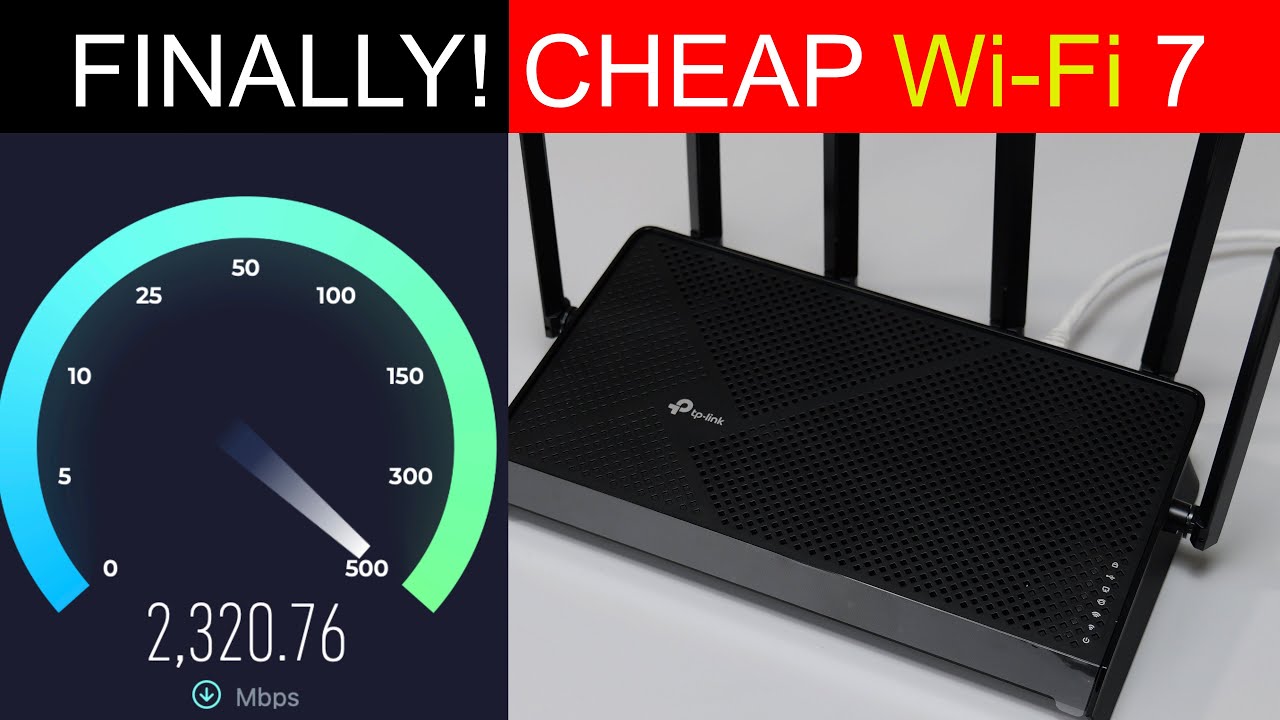
3. Best for serious gamers
Latency is the enemy, and this router crushes it with dedicated gaming ports and advanced QoS algorithms. Prioritize your console and PC traffic to ensure smooth, lag-free experiences in competitive titles. The Wi-Fi 7 router 2026 selection here is built for speed, stability, and precision.

4. Best for smart homes
With hundreds of IoT devices connecting simultaneously, this router handles the load effortlessly. It features robust band steering and dedicated IoT networks to keep smart lights and sensors stable without clogging your main bandwidth. The Wi-Fi 7 router 2026 choice for connected homes prioritizes reliability and scale.
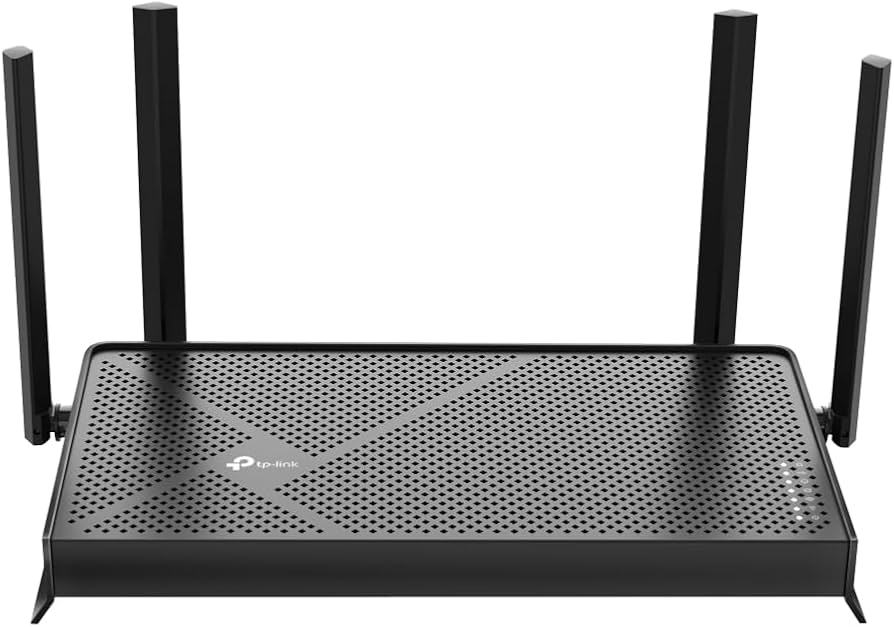
5. Best for professionals
Remote workers need rock-solid connections for video calls and large file transfers. This router offers dedicated bands for work traffic, ensuring your meetings never buffer. The Wi-Fi 7 router 2026 option for professionals combines enterprise-grade security with the reliability required for seamless remote productivity.
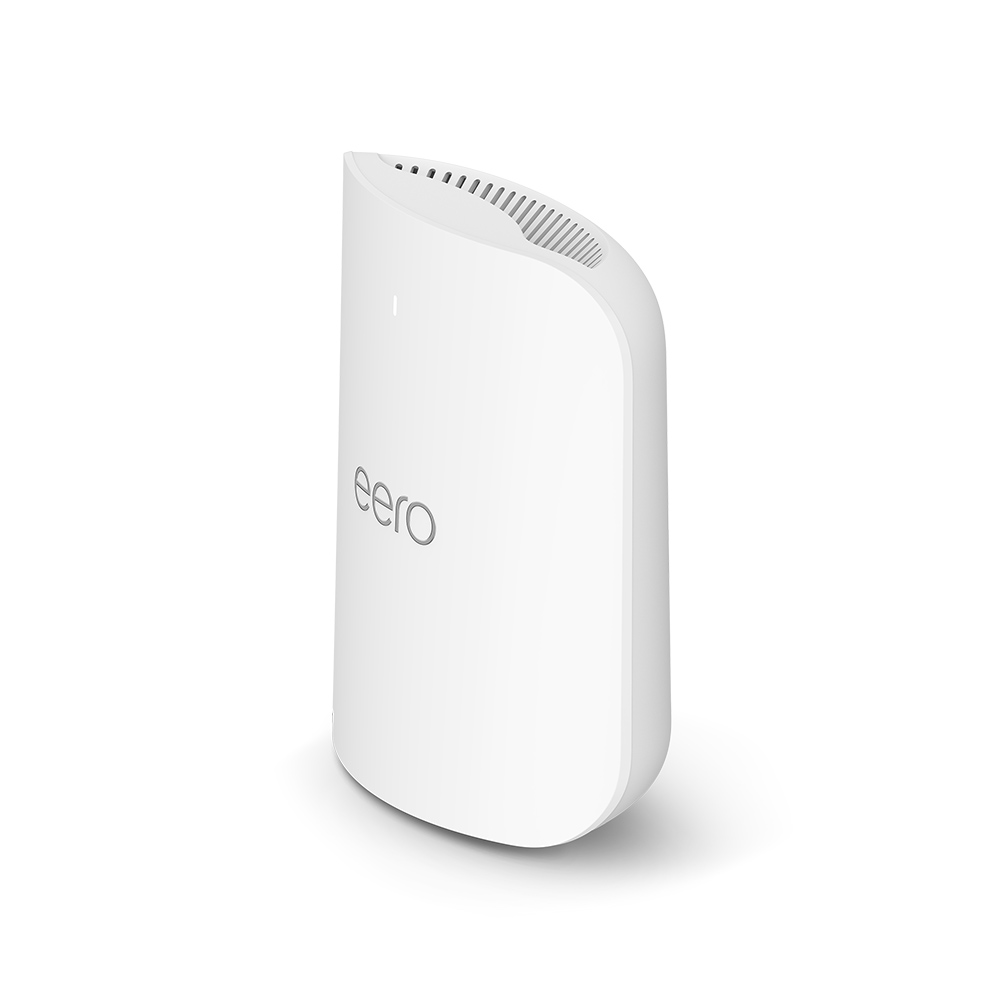
6. Best compact Wi-Fi 7 option
The TP-Link Deco BE85 proves that high-performance networking doesn't require a bulky footprint. Its sleek, minimalist design blends seamlessly into modern living spaces without dominating the visual landscape. Despite its small size, it delivers robust tri-band Wi-Fi 7 speeds, making it an ideal choice for apartments or smaller homes where aesthetics and space efficiency matter as much as raw throughput.

7. Best budget-friendly mesh kit
The ASUS ZenWiFi AX6600 (XT8) offers a compelling entry point into reliable mesh networking without breaking the bank. While it lacks the absolute latest Wi-Fi 7 specs, its proven stability and extensive coverage make it a practical choice for cost-conscious households. This kit provides robust performance for streaming and gaming across multiple floors, ensuring consistent connectivity without the premium price tag of newer flagships.

Wi-Fi 7 router 2026 comparison
Picking the right Wi-Fi 7 router 2026 model depends on your specific needs, whether that’s whole-home coverage, gaming performance, or budget value. The table below breaks down the key specs for four top contenders to help you decide.
| Model | Bands | Ports | Max Speed |
|---|---|---|---|
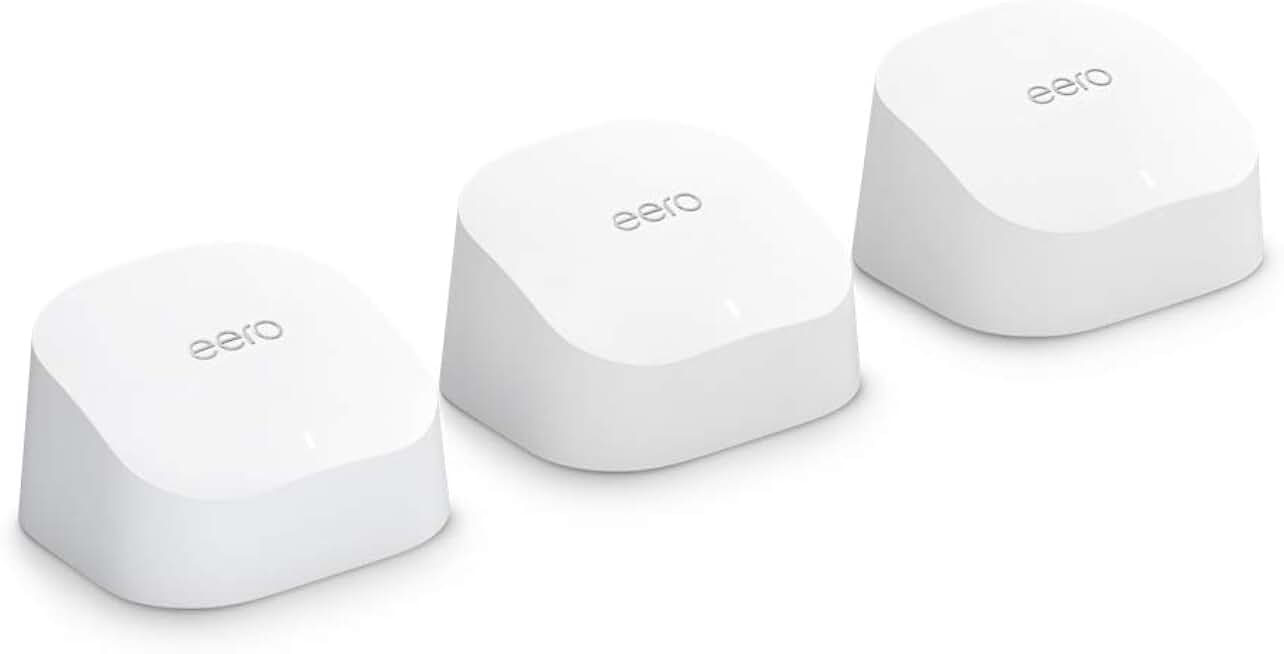
| eero Max 7 | Tri-band | 2x 2.5GbE | 10.8 Gbps |
| TP-Link Archer BE550 | Tri-band | 1x 2.5GbE | 6 Gbps |
| ASUS RT-BE92U | Tri-band | 1x 10GbE, 4x 2.5GbE | 9.7 Gbps |
| Ubiquiti UDR7 | Tri-band | 1x 2.5GbE | 3.6 Gbps |
The eero Max 7 leads in raw performance and mesh coverage, making it ideal for large homes. The TP-Link Archer BE550 offers the best balance of price and features for most users. For gamers and power users, the ASUS RT-BE92U provides extensive port options and low-latency tuning. The Ubiquiti UDR7 is a strong choice for those already in the UniFi ecosystem.


As an Amazon Associate, we may earn from qualifying purchases.
How to set up your new router
Getting the most out of a Wi-Fi 7 router 2026 model starts with where you put it and how you configure it. The hardware is only as good as its signal path. Follow these steps to ensure your network runs at peak efficiency from day one.
Place your router in a central, elevated location away from thick walls, metal objects, and microwaves. If you have a large home, consider a mesh system like the eero Max 7 to extend coverage without sacrificing speed. Avoid hiding the device in a cabinet, which traps heat and blocks signals.
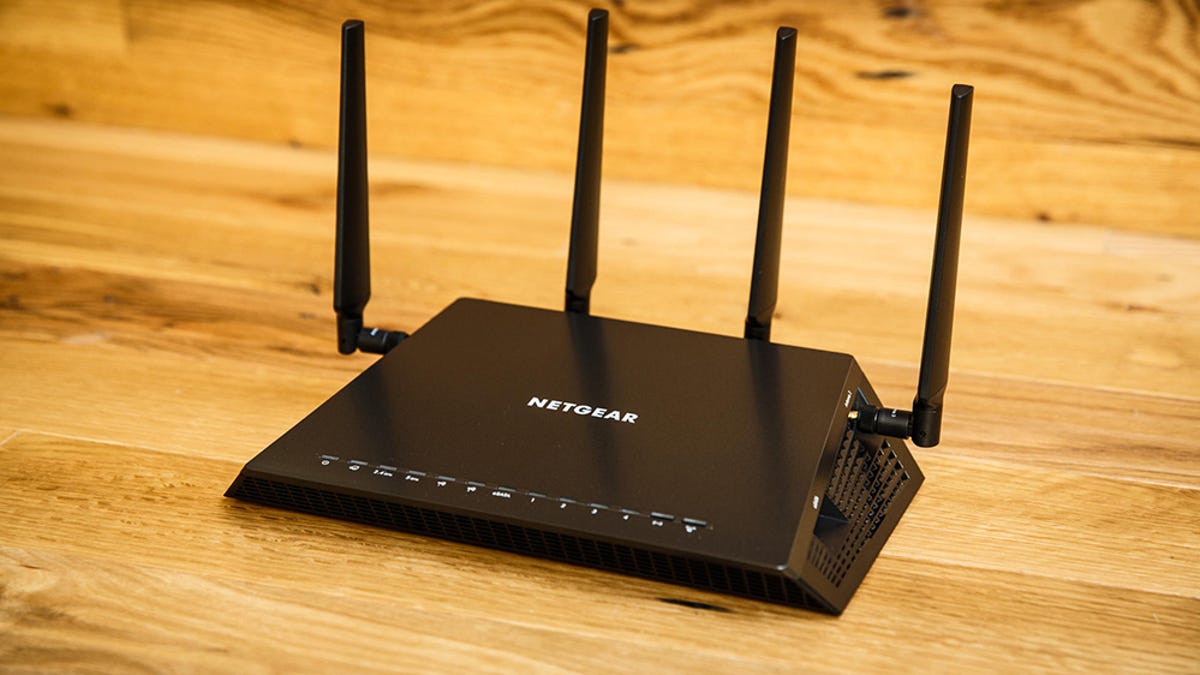
Use an Ethernet cable to connect your computer to the router for the initial setup. This provides a stable connection while you update firmware and configure security settings. Once the router is online, you can switch to Wi-Fi for daily use.
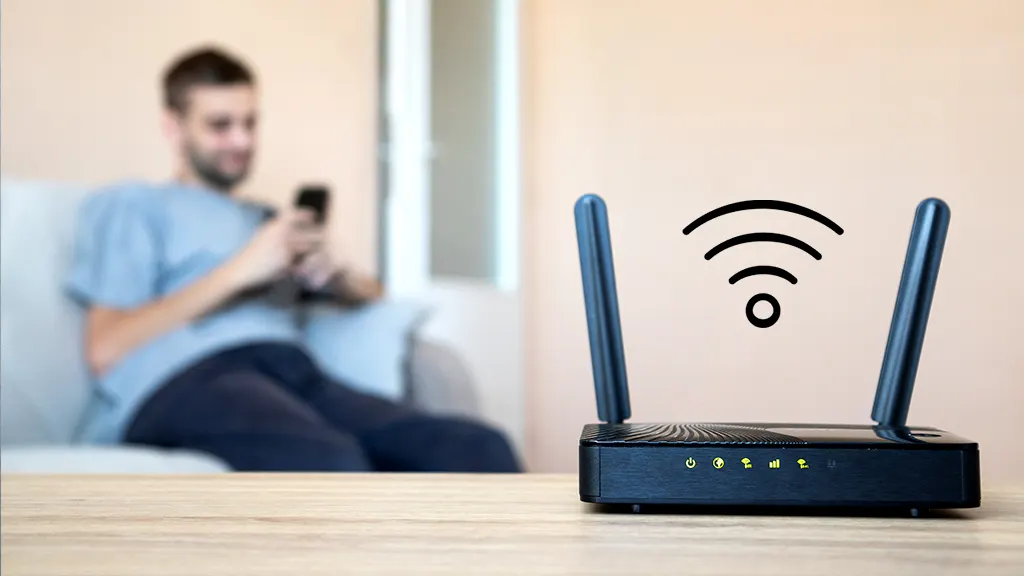
Check for firmware updates in the router’s admin panel or companion app. Manufacturers frequently release patches to fix bugs and improve performance. Keeping your Wi-Fi 7 router 2026 device updated ensures you have the latest security features and stability improvements.

Set a strong, unique password for your Wi-Fi network and admin panel. Enable WPA3 encryption if your devices support it, as it offers better security than WPA2. Consider setting up a guest network for visitors to keep your main devices safe from potential threats.
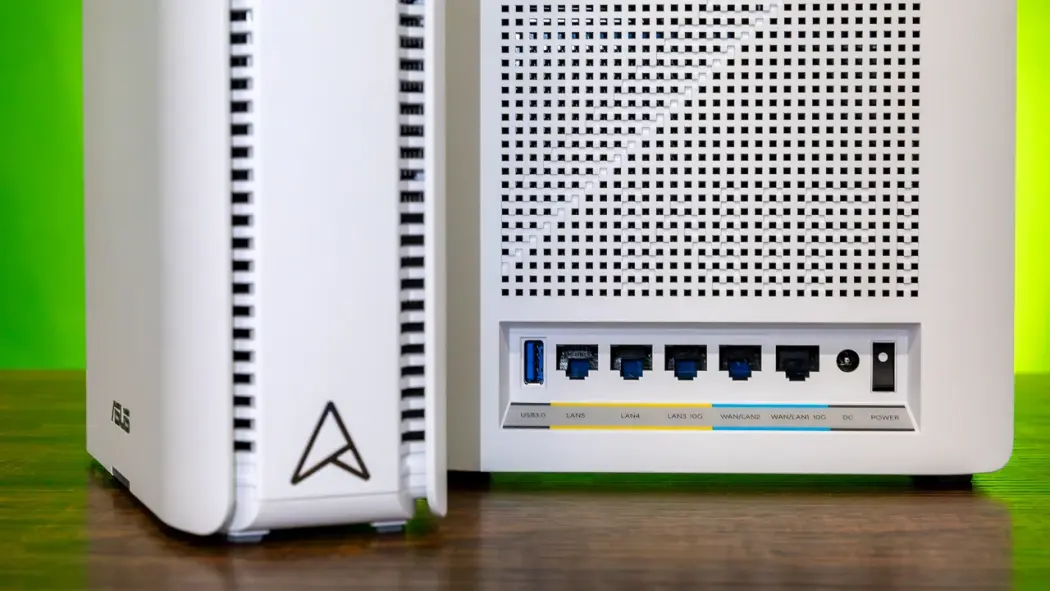
Wi-Fi 7 routers support 2.4GHz, 5GHz, and 6GHz bands. For the best performance, ensure your devices are connecting to the 6GHz band when possible, as it offers the least interference and highest speeds. You can manage band preferences in your router’s settings to prioritize high-speed connections.
Common wi-fi 7: what to check next
Is a Wi-Fi 7 router 2026 worth the upgrade now? Yes, if you have compatible devices. Wi-Fi 7 offers significantly higher speeds and lower latency than Wi-Fi 6E, but you need a new phone, laptop, or tablet to see the benefits. For older devices, the router still works, but they will run at Wi-Fi 6 speeds.
Does Wi-Fi 7 work with my existing Wi-Fi 6 devices? Absolutely. Wi-Fi 7 routers are backward compatible. Your current Wi-Fi 6, Wi-Fi 5, and even Wi-Fi 4 devices will connect normally. The router manages the mix, giving priority to newer devices when possible without disrupting older ones.
Do I need a Wi-Fi 7 mesh system? For large homes, yes. Wi-Fi 7’s 320 MHz channels and Multi-Link Operation (MLO) work best when nodes are connected via a dedicated backhaul. A Wi-Fi 7 mesh system ensures every corner of your home gets the full speed benefits, not just the area near the main router.
No comments yet. Be the first to share your thoughts!