
What makes a router an AI router
The term "AI router" has become a marketing catch-all, but in 2026, it refers to a specific hardware capability rather than just smart software. At its core, an AI router is a device equipped with a dedicated Neural Processing Unit (NPU). This silicon component handles complex traffic optimization tasks locally, on the device itself, without needing to send data to the cloud for processing.
This distinction is critical. You will often see the term used to describe software-based "LLM routers"—gateways that direct AI application requests to different model providers based on cost or latency. Those are software tools for developers. The hardware AI routers we are evaluating here, like the ASUS ROG Rapture GT-BE19000AI, use their NPUs to analyze network packets in real-time. They prioritize gaming traffic, reduce latency for video calls, and manage bandwidth for multiple devices without the lag introduced by cloud round-trips.
The result is a network that feels responsive and intelligent. Instead of relying on generic Quality of Service (QoS) rules that you have to manually configure, the router learns your usage patterns and adjusts automatically. This is the hardware-level intelligence that separates true AI routers from standard Wi-Fi 7 or Wi-Fi 6E models.
Top AI router picks for 2026
The market for AI routers has shifted from abstract promises to tangible hardware. In 2026, "AI" in a router typically refers to a dedicated Neural Processing Unit (NPU) that handles network traffic prioritization, security scanning, and device classification locally, without relying on cloud servers. This reduces latency and improves privacy for data-heavy workflows.
The ASUS ROG Rapture GT-BE19000AI leads this category. It is the world’s first router equipped with a built-in AI processor. This hardware allows the device to manage complex network configurations, such as Docker container support and dynamic bandwidth allocation, with minimal user intervention. It is designed for enthusiasts who want the absolute highest performance ceiling, particularly for gaming and smart home environments with dozens of connected devices.
For most households, however, the TP-Link Archer BE550 offers a more balanced approach. As a 2026 Editors' Choice winner, it delivers tri-band Wi-Fi 7 speeds with robust AI-driven mesh capabilities (via AiMesh when paired with other TP-Link units). It is a strong pick for general high-performance networking, providing stability and coverage for large homes without the enthusiast-grade price tag of the ROG Rapture.
When choosing between these options, consider your primary use case. If you are building a high-end gaming rig or a server room, the ROG Rapture’s specialized AI core provides the necessary headroom. If you need reliable, whole-home coverage for streaming, remote work, and general browsing, the TP-Link Archer BE550 is the more practical choice.


As an Amazon Associate, we may earn from qualifying purchases.
| Model | Wi-Fi Standard | AI/NPU Feature | Price Tier |
|---|---|---|---|
| ASUS ROG Rapture GT-BE19000AI | Wi-Fi 8 (Ready) | Dedicated AI Core | Ultra-Premium |
| TP-Link Archer BE550 | Wi-Fi 7 | Traffic Optimization | Mid-Range |
| ASUS ROG Rapture GT-BE98 Pro | Wi-Fi 7 | Game Boost AI | Premium |
| TP-Link Archer AXE75 | Wi-Fi 6E | Basic QoS | Budget |
How Neural Processing Lowers Latency
Traditional routers rely on general-purpose CPUs to manage network traffic. These processors handle tasks like packet inspection and routing decisions sequentially. As network congestion increases, the CPU becomes a bottleneck, causing latency spikes that disrupt gaming and video calls.
The ROG Rapture GT-BE19000AI introduces a dedicated neural processing unit (NPU) to handle these duties. This specialized hardware operates independently from the main CPU, allowing for parallel processing of complex network tasks. The result is a significant reduction in ping times, even under heavy load.
This architecture is particularly beneficial for Wi-Fi 8 environments. The NPU can analyze traffic patterns in real-time and prioritize data packets with minimal overhead. While traditional CPUs might struggle to keep up with high-bandwidth demands, the NPU maintains consistent performance by offloading routine routing decisions.
TP-Link and other manufacturers are adopting similar AI-driven approaches in their 2026 lineups. By moving intelligence from software to dedicated silicon, these routers can adapt to network conditions faster than ever. This shift transforms the router from a passive bridge into an active traffic manager, ensuring smoother connectivity for demanding applications.
Setting up your AI router for 2026
Configuring a next-generation AI router like the ROG Rapture GT-BE19000AI requires more than just plugging in an Ethernet cable. The 2026 firmware updates introduce specialized AI processors and Docker support that need specific configuration to function correctly. Follow this sequence to ensure your network automation and containerized applications run smoothly from day one.
Access the router’s web UI or mobile app using the default credentials printed on the device label. Change the admin password immediately. For the ROG Rapture, ensure you are running the latest 2026 firmware, as earlier versions lack the necessary AI traffic classification tools.
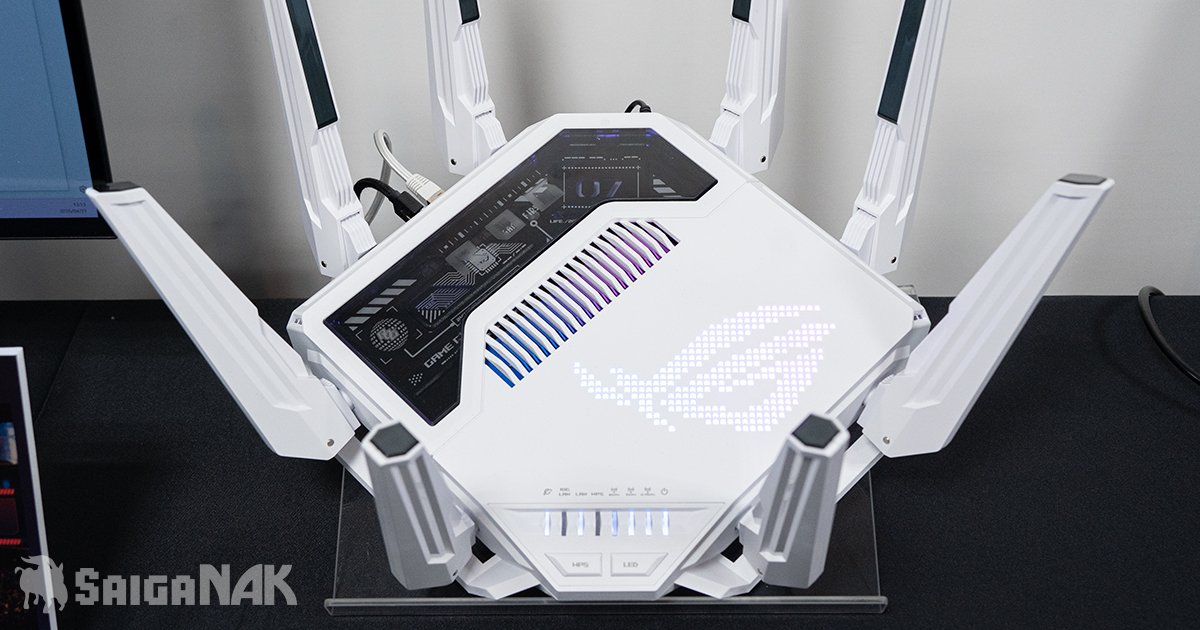
Navigate to the AI-specific settings in the dashboard. Enable the intelligent QoS (Quality of Service) engine. This allows the router’s built-in AI processor to prioritize latency-sensitive tasks like gaming and video calls over bulk downloads automatically.

The ROG Rapture GT-BE19000AI features integrated Docker support, allowing you to run containerized applications directly on the router. Enable the Docker service in the advanced settings. This provides a flexible platform for running network utilities, ad blockers, or monitoring tools consistently across any environment without needing external servers.
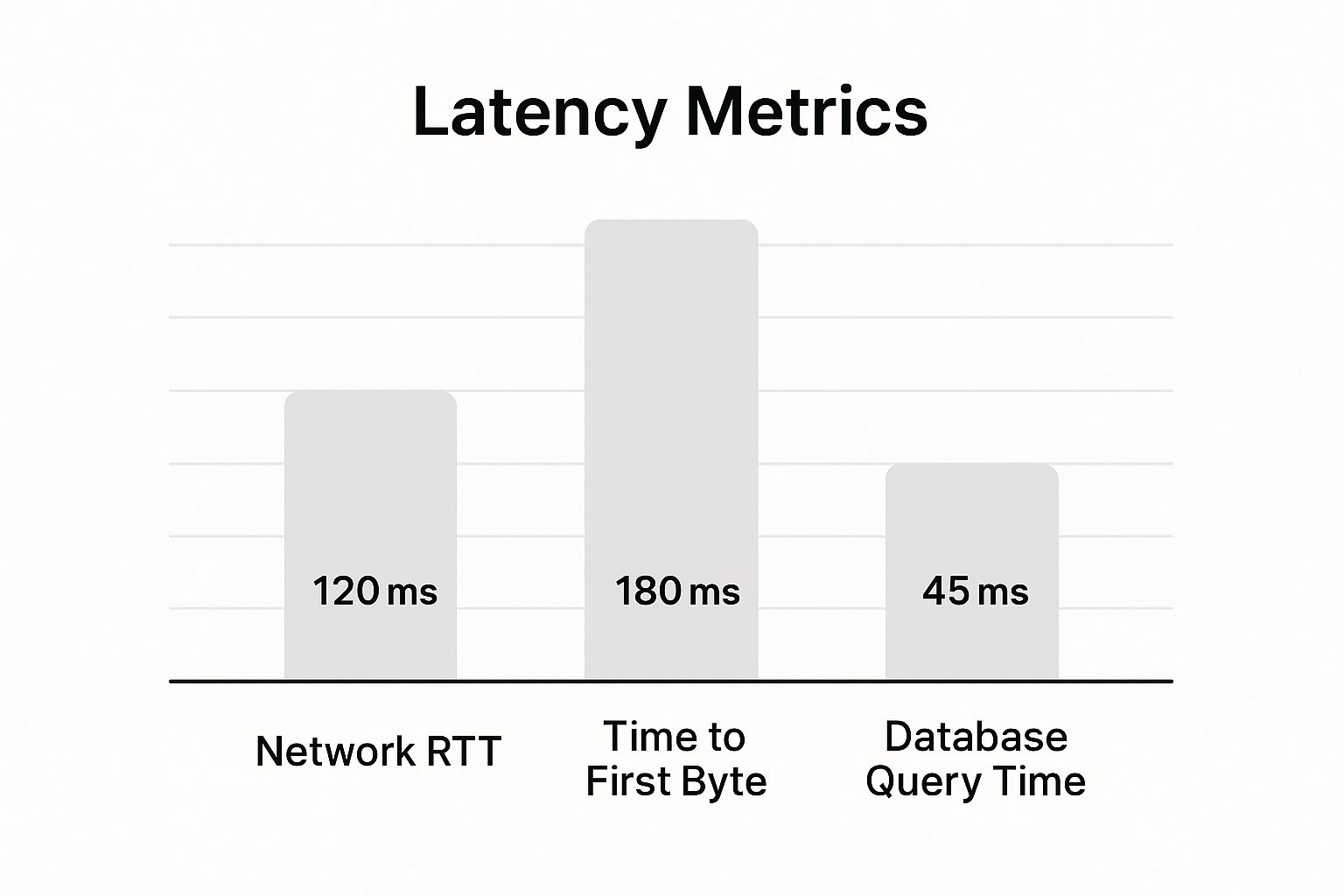
Run a speed test and check for packet loss. The AI features should automatically adjust bandwidth allocation in real-time. If you notice instability, temporarily disable Docker containers to isolate whether the router’s CPU is being overwhelmed by the containerized applications.
-
Verify admin password changed
-
Confirm latest 2026 firmware installed
-
AI QoS engine enabled
-
Docker service activated
-
Latency test completed
Common questions about AI routers
What is the new AI router?
The ROG Rapture GT-BE19000AI is the world's first router featuring a built-in AI processor. This dedicated hardware delivers next-level intelligence and automation to your network, handling traffic optimization at the silicon level rather than relying on software alone.
How does an AI router differ from a standard Wi-Fi 7 model?
Standard Wi-Fi 7 routers rely on static algorithms to manage bandwidth. AI routers like the ROG Rapture GT-BE19000AI use machine learning to analyze usage patterns in real time. They predict congestion before it happens, prioritizing gaming or streaming traffic automatically.
Can I run custom applications on an AI router?
Yes. The ROG Rapture GT-BE19000AI includes integrated Docker® support. This provides a flexible platform for running containerized applications consistently across any environment, turning your router into a lightweight home server node.
No comments yet. Be the first to share your thoughts!