
Finding the right budget for a 2026 mesh system
Buying a mesh router in 2026 is less about chasing the highest theoretical speed and more about matching performance to your actual home layout and device count. The market has split into clear tiers: entry-level Wi-Fi 6 systems that handle basic browsing and streaming, mid-range Wi-Fi 6E/7 options that reduce interference in crowded apartments, and premium tri-band systems built for heavy gaming and 4K/8K streaming. Understanding these tradeoffs helps you avoid paying for features you won't use.
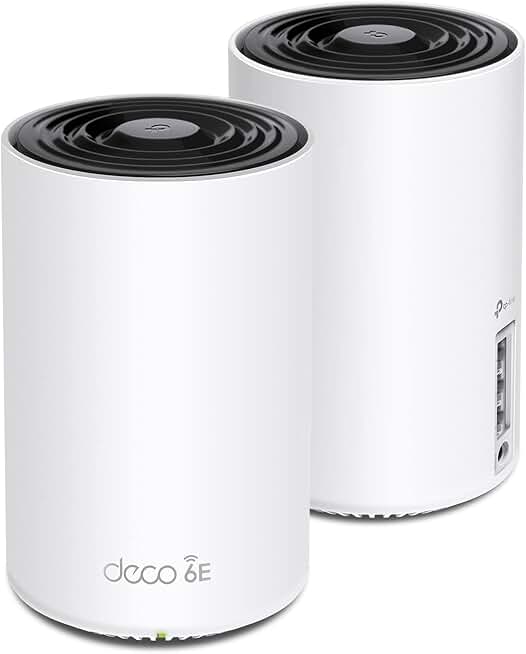
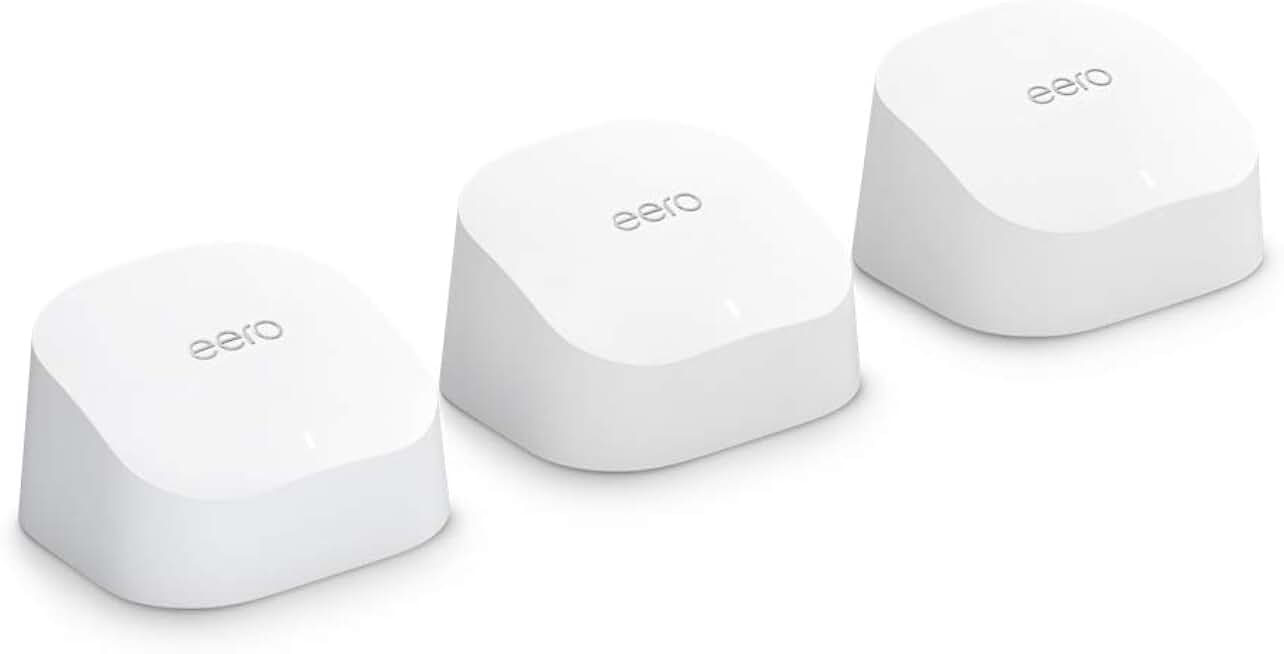
For most households, a two- or three-node Wi-Fi 6 mesh system is the sweet spot. These units, typically priced between $200 and $400 for a full kit, offer enough bandwidth to support dozens of devices without breaking the bank. Look for models with dedicated backhaul radios if you have a larger home, as this ensures the nodes communicate with each other over a separate frequency, keeping your main internet connection fast. TP-Link's Archer series and Amazon's eero systems often dominate this bracket, offering reliable coverage for standard living spaces.
If you are a serious gamer or stream multiple 4K videos simultaneously, you may need to step up to Wi-Fi 6E or Wi-Fi 7. These newer standards utilize the less congested 6 GHz band, which acts like an express lane for your data, significantly reducing lag and interference from neighbors' networks. Systems like the Asus ROG or Netgear Nighthawk series excel here, though they come with a higher price tag and often require more complex setup. For these users, the investment pays off in stability during peak usage hours, but casual users will rarely notice the difference in daily browsing.
When evaluating budget-fit, consider the total cost of ownership, including potential subscription fees for advanced security or parental controls. Many manufacturers now bundle these services for the first year, but the annual renewal costs can add up. Always check the long-term value of the hardware against these recurring fees. Additionally, verify that the router supports future-proofing features like OFDMA and MU-MIMO, which efficiently manage multiple data streams. This ensures your investment remains relevant as your device count grows over the next few years.

As an Amazon Associate, we may earn from qualifying purchases.
Shortlist real options
Router Buying works best when the purchase path is explicit. Verify the source, compare the offer against real alternatives, check the total cost, and confirm what happens after payment before you decide. After each comparison, write down the one risk that would change your mind. If the seller, condition, support, warranty, shipping, or upkeep still feels uncertain, resolve that question before moving to checkout.
| Factor | What to check | Why it matters |
|---|---|---|
| Fit | Match the option to the primary use case. | A good deal still fails if it does not fit the job. |
| Condition | Verify age, wear, and service history. | Hidden condition issues erase upfront savings. |
| Cost | Compare purchase price with likely upkeep. | The cheapest option is not always the lowest-cost option. |
Inspect the expensive parts
Buying a mesh system is an investment, but the hardware can fail in ways that leave you with dead zones and zero return. Before you commit to a specific model, look for the components that drive the bulk of the cost and the most common points of failure. This inspection checklist focuses on the physical and architectural features that matter most for long-term stability.

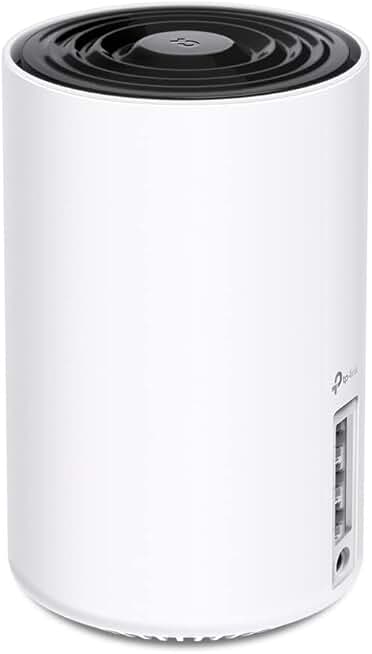
The backplane is the internal traffic controller. If a node only has one Gigabit Ethernet port, it will bottleneck your internet speed regardless of how fast the Wi-Fi is. Look for units with at least two Gigabit ports, or ideally 2.5GbE ports if your ISP plan exceeds 1 Gbps. Cheap plastic casings also tend to warp under heat, so check for sturdy, ventilated designs that keep the internal components cool.
The backhaul is the dedicated channel the nodes use to talk to each other. Tri-band systems use a separate radio band for this, which is more reliable for large homes. If you choose a dual-band system, ensure it has a dedicated wired backhaul option. Without a dedicated backhaul, your Wi-Fi speed drops significantly as you move further from the main router because the nodes share bandwidth with your devices.
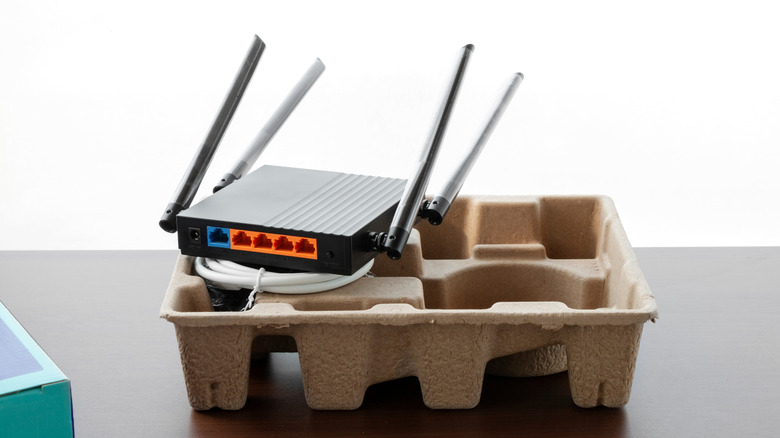
Power bricks are a frequent failure point. Look for systems with smart power management that can shut down unused ports or nodes to save energy. Check if the power adapter is a standard barrel plug or a proprietary connector; proprietary ones are harder to replace if they fail. Also, ensure the power cord is detachable so you can easily swap it out if it gets damaged.
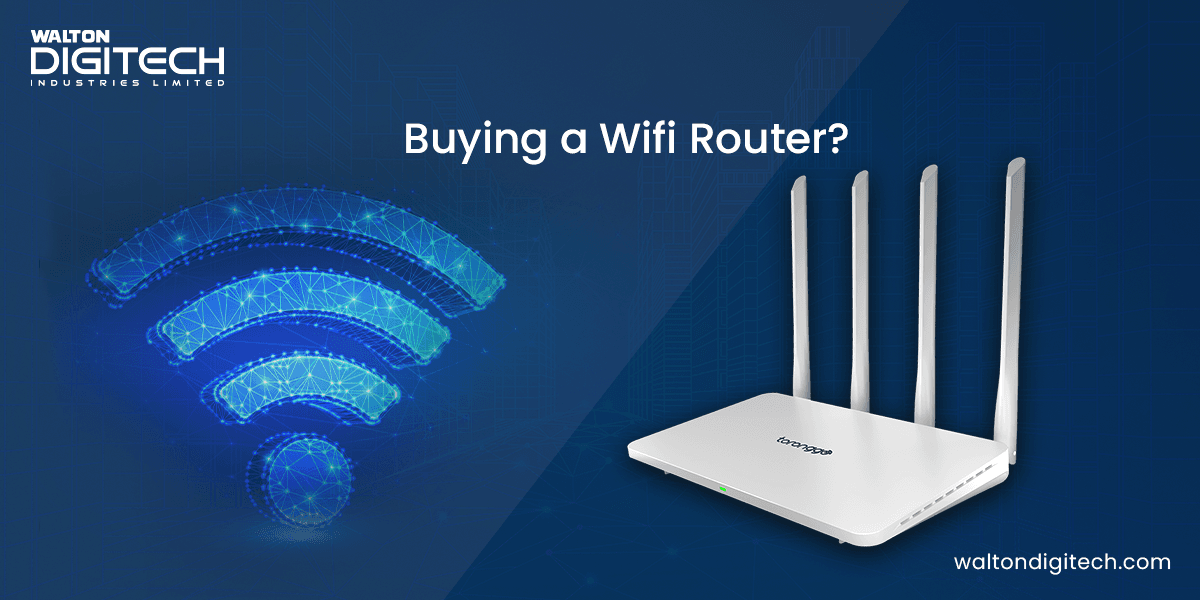
Antennas are not just for show; they determine how well the signal penetrates walls and floors. Look for units with external, adjustable antennas rather than internal ones, which can be difficult to optimize. Check if the antennas are high-gain (5dBi or higher) for better range. Avoid systems with fixed, non-removable antennas, as they can break easily if the unit is bumped or moved.

Hardware is only as good as the software running it. Check the manufacturer's reputation for regular firmware updates that patch security vulnerabilities and improve performance. Look for systems that offer automatic updates and a clear policy on how long they will support the device. Avoid brands with a history of abandoning older models or releasing buggy firmware that requires manual intervention.


As an Amazon Associate, we may earn from qualifying purchases.
Plan for ownership costs
Router Buying works best when the purchase path is explicit. Verify the source, compare the offer against real alternatives, check the total cost, and confirm what happens after payment before you decide. After each comparison, write down the one risk that would change your mind. If the seller, condition, support, warranty, shipping, or upkeep still feels uncertain, resolve that question before moving to checkout.
The simplest way to use this section is to verify the seller, compare the total cost, and resolve the biggest risk before you commit.
No comments yet. Be the first to share your thoughts!