
What AI router firmware 2026 means for you
AI Router Firmware works best as a sequence, not a scramble through settings. Do the minimum first: confirm compatibility, connect the core hardware, update only when needed, and test the result before adding optional features. That order keeps the task understandable and makes failures easier to isolate. After each step, pause long enough for the interface to finish syncing. Many setup problems are timing problems disguised as configuration problems. If the same step fails twice, record the exact error, restart the smallest affected piece, and retry before moving deeper.
The simplest way to use this section is to keep the setup small, verify each change, and record the stable configuration before adding optional accessories.
OpenWrt vs Merlin: Which fits your setup
Choosing between OpenWrt and Asuswrt-Merlin depends on your hardware and your comfort level with command-line interfaces. Both offer significant upgrades over stock firmware, but they serve different types of users.
OpenWrt is a full Linux-based operating system. It is highly customizable and supports a wide range of hardware, including many non-Asus routers. However, it requires technical knowledge to configure, especially for advanced features like VPN routing or ad-blocking.
Asuswrt-Merlin is a modified version of Asus’s stock firmware. It retains the familiar Asus web interface while adding powerful features like AiProtection, USB sharing, and advanced QoS. It is designed for Asus routers only and is much easier to set up for beginners.
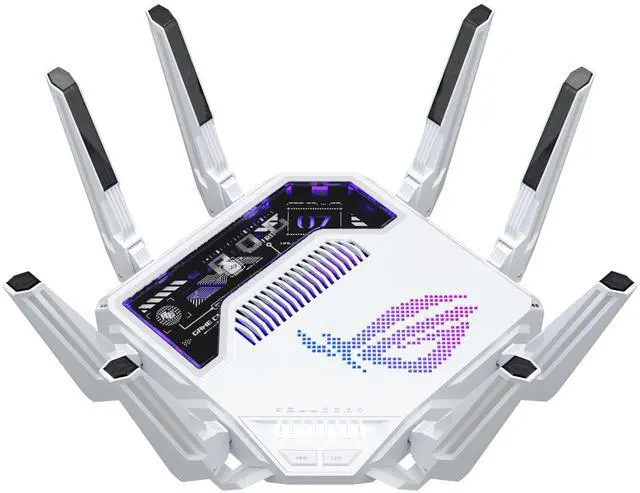
| Feature | OpenWrt | Asuswrt-Merlin |
|---|---|---|
| Hardware Support | Wide (many brands) | Asus only |
| Ease of Use | Advanced (Linux GUI) | Beginner-friendly |
| Security Features | Manual setup | Built-in AiProtection |
| Customization | Extensive | Moderate |
| Mesh Support | Hostapd-Mesh (beta) | AiMesh (native) |
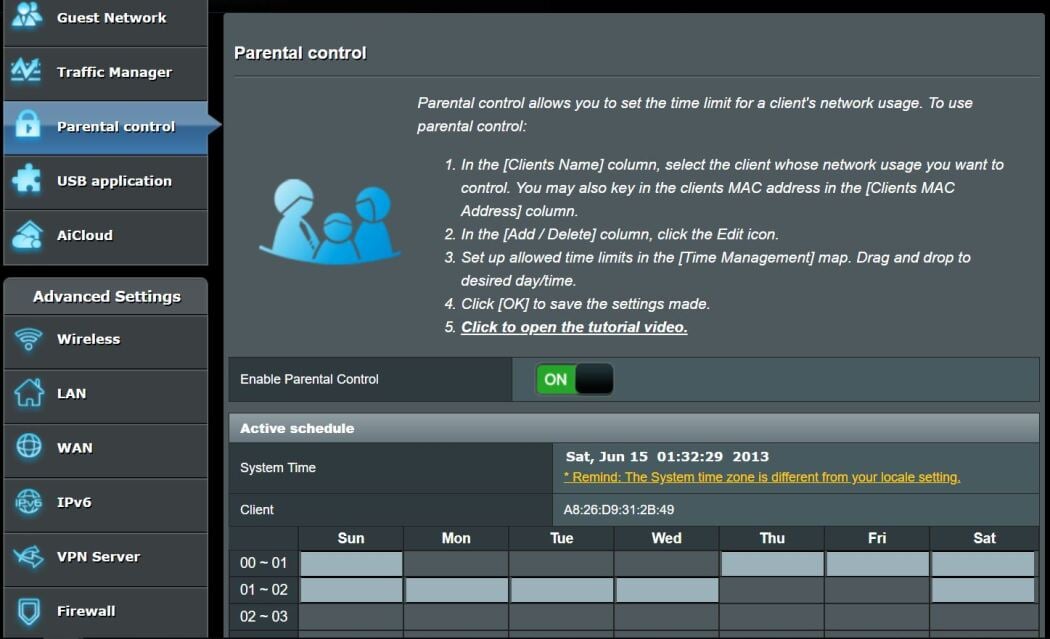
If you have an Asus router and want a balance of power and simplicity, Merlin is the better choice. It allows you to keep your existing network structure while gaining access to advanced tools like traffic monitoring and parental controls. For non-Asus hardware or if you need deep system-level control, OpenWrt is the standard.
The choice of firmware also impacts your mesh network setup. Many users run Merlin on the main router and factory firmware on the nodes to ensure stability, as mixing firmware versions in a mesh can lead to connectivity issues. Always check compatibility before flashing.
Update your router firmware safely
The easiest mistake with AI Router Firmware is changing too much at once. Rename devices, move networks, update firmware, or adjust permissions one at a time. When setup fails, the last change should be obvious enough to undo without rebuilding the whole configuration. Do not treat a successful app screen as the final test. Use the physical control, the app, and any connected automation to confirm the setup works from every path the reader will actually use.
Spot firmware security risks in 2026
Router firmware is rarely just software; it is the gatekeeper of your local network. In 2026, the threat landscape has shifted from simple bugs to intentional vulnerabilities. Recent reports indicate that some router vendors have paused firmware downloads to fix critical security issues after backdoors were discovered in their code. This highlights why you must treat firmware sources with the same suspicion as unknown USB drives.
The incident involving Chinese Wi-Fi vendor Zbtlink serves as a stark warning. The company denied its products contained backdoors but simultaneously paused all firmware downloads to patch unspecified security holes. While they claimed the allegations were false, the decision to halt updates suggests a genuine vulnerability existed. This kind of opacity makes it impossible for users to verify the integrity of their device without independent audits.
Other major brands face similar scrutiny. ASUS routers, for instance, have faced backlash over forced contracts and aggressive telemetry requirements bundled with their AiProtection software. These practices raise questions about data privacy and the true cost of "free" security features. When a vendor demands excessive permissions or hides their update mechanisms, you are no longer in control of your network.
To protect your home network, you must verify the integrity of every firmware file. Never sideload binaries from third-party forums or unofficial repositories. Stick to the vendor's official support page or well-known, audited open-source projects like OpenWrt. If a vendor suddenly stops supporting a model or changes their update policy without clear communication, consider that a red flag for future security risks.
Best routers for AI firmware in 2026
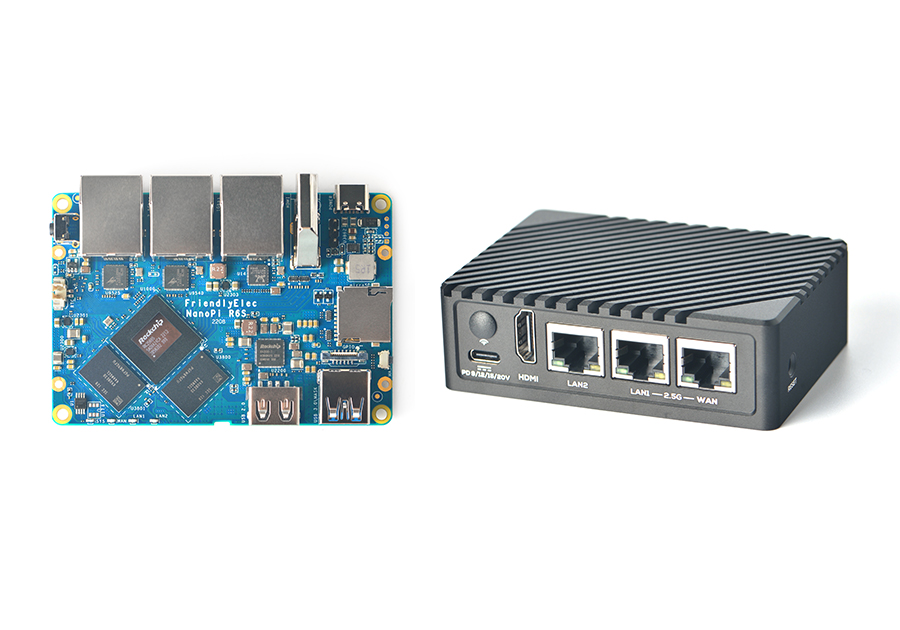
Choosing a router for AI-driven firmware means picking hardware that can handle complex traffic orchestration without bottlenecking your connection. In 2026, the best options fall into two categories: devices with built-in AI features and those compatible with custom firmware like OpenWrt.

Top Picks for AI and Custom Firmware
The market has shifted toward Wi-Fi 7 standards, which provide the raw throughput needed for AI traffic analysis. Manufacturers are increasingly embedding machine learning models directly into the router's OS to auto-optimize QoS (Quality of Service) for gaming and 8K streaming. For those who prefer granular control, OpenWrt remains the gold standard for custom firmware, allowing users to install plugins that mimic AI behavior through advanced scripting.


As an Amazon Associate, we may earn from qualifying purchases.
When selecting a router, prioritize models with dedicated coprocessors for AI tasks. These chips handle network analytics in the background, leaving your main CPU free for data routing. If you are tech-savvy, buying a supported device for OpenWrt offers more flexibility, though it requires manual configuration to achieve similar AI-like optimizations.
Frequently asked questions about router firmware
What is the best router firmware?
There is no single "best" option; it depends on your hardware and technical comfort. For most ASUS users, ASUSWRT-Merlin offers the best balance of stability and advanced features without voiding warranties. For those willing to tinker, OpenWrt provides maximum control and security customization. If you prefer a set-and-forget experience, stick with your manufacturer's stock firmware.
Is DD-WRT still a thing?
DD-WRT is largely considered legacy. While it still works on older routers, development has slowed significantly compared to OpenWrt and Merlin. Most modern routers, especially those supporting Wi-Fi 6 or 7, do not have up-to-date DD-WRT builds. Unless you are maintaining older hardware, OpenWrt or vendor-specific custom firmware are better choices for 2026.
How do I check for the latest firmware update?
Log into your router's admin panel and look for the "Administration" or "System" tab. Most modern routers, like those from ASUS, offer an "Auto Firmware Upgrade" feature that checks for and installs updates automatically. You can also manually check on the manufacturer's support page using your specific model number to ensure you have the latest security patches.
Can I install custom firmware on any router?
No. Custom firmware like OpenWrt or Merlin is only compatible with specific hardware models. You must verify your exact router model against the firmware's supported device list before attempting an install. Installing incompatible firmware can brick your router, rendering it unusable.
Is custom firmware secure?
Custom firmware can be more secure than stock firmware because it often receives faster security patches and lacks bloatware or telemetry. However, security depends on you keeping the firmware updated. Stock firmware from major brands like ASUS or Netgear also includes built-in security suites like AiProtection, which may be sufficient for most home users.
No comments yet. Be the first to share your thoughts!