
Budget-friendly router firmware hacks
Finding a router that balances price, age, and condition for 2026 firmware mods requires looking past the sticker price. The best value often comes from slightly older models that have reached a stable firmware state, rather than chasing the latest Wi-Fi 7 hardware that may lack mature third-party support.
The age vs. support choices that change the plan
Newer routers often lack the community-driven firmware options (like OpenWrt or DD-WRT) that enable advanced QoS and mesh features. A two-year-old Wi-Fi 6 model might offer more hackable potential than a brand-new budget device. Check the firmware version history; older, stable releases are generally safer for custom firmware installation than beta versions on new hardware.
Condition Matters for Longevity
Used or refurbished routers can be excellent candidates for firmware hacks, provided they have been tested for hardware integrity. Look for routers with no swollen capacitors or damaged antennas. A clean factory reset before installing custom firmware ensures no leftover configuration conflicts interfere with the new system.
Price Tiers for 2026
- Under $100: Focus on entry-level Wi-Fi 6 routers from brands like TP-Link or Netgear. These often have robust community support for basic QoS tweaks.
- $100–$200: Mid-range models offer better processors for handling complex mesh setups and advanced traffic shaping via custom firmware.
- Over $200: High-end mesh systems may have limited firmware flexibility. Verify hackability before purchasing, as many premium brands lock down their software tightly.


As an Amazon Associate, we may earn from qualifying purchases.
Shortlist real options
Choosing the right firmware path in 2026 requires balancing security compliance with feature availability. The FCC’s recent extension of the deadline for foreign-made routers allows continued software updates through January 1, 2026, but this creates a fragmented landscape for consumers seeking custom firmware.
While open-source projects like OpenWrt and DD-WRT remain staples for advanced QoS and mesh bridging, their support for newer Wi-Fi 6E and Wi-Fi 7 hardware is still maturing. Vendor-specific firmware, such as the recent March 2026 Nest WiFi Pro update, often prioritizes stability and security patches over power-user features. Buyers should verify that a router’s hardware design supports the desired firmware before purchasing, as firmware cannot fix physical limitations.
The table below compares the strongest current options, focusing on firmware flexibility, mesh capabilities, and key tradeoffs.
| Firmware Option | Mesh Support | Advanced QoS | Primary Tradeoff |
|---|---|---|---|
| OpenWrt | Yes (via LuCI) | Full (HTB/CAKE) | Limited Wi-Fi 7 hardware support |
| DD-WRT | Yes (WDS) | Good (QoS Smart) | Stability issues on newer chips |
| Vendor OEM | Native | Basic (App-based) | No root access or scripting |
| ASUSWRT-Merlin | Yes (AiMesh) | Excellent (QoS Pro) | Proprietary to ASUS hardware |
For most users, ASUSWRT-Merlin offers the best balance of stability and advanced features, provided you own compatible ASUS hardware. If you are building a multi-vendor mesh, sticking to vendor OEM firmware is often the safest bet for seamless roaming. Always check the latest firmware version numbers, such as the July 2025 Nest WiFi Pro build 3.76.479819, to ensure you are not buying obsolete stock.
Inspect the expensive parts
Firmware hacks often target the weakest links in your router’s hardware and configuration. Before flashing custom firmware or enabling advanced features, verify these high-risk components to avoid bricking your device or exposing your network.
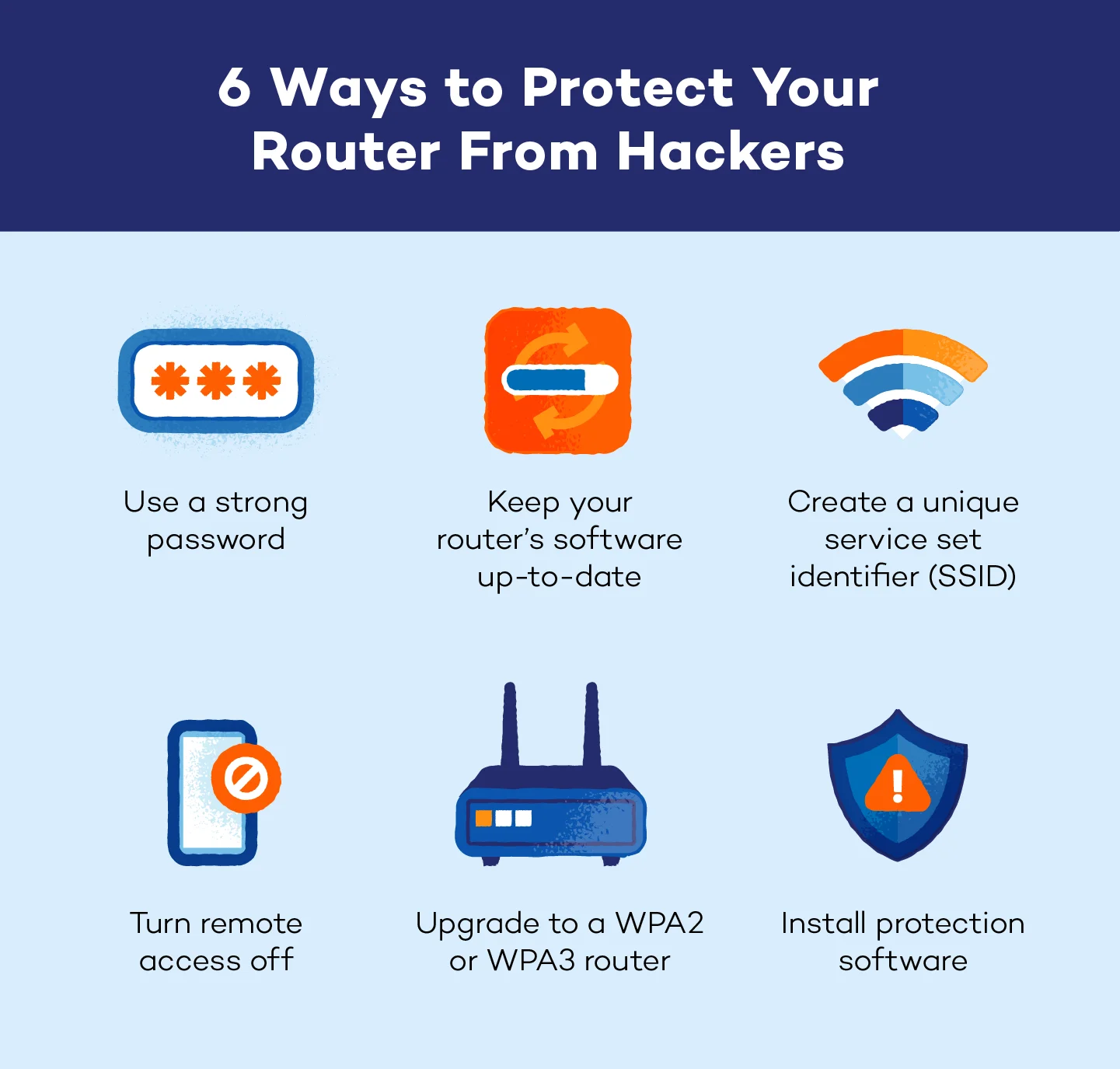
The boot loader is the first code that runs when your router starts. If it’s modified, the firmware itself is compromised. Use your router’s diagnostic tools to verify the boot loader version matches the official manufacturer release. If you’re flashing third-party firmware like OpenWrt or DD-WRT, ensure the boot loader is compatible and unlocked.

WPA3 and WPA2 encryption keys are critical for securing your network. Check that your encryption settings are set to the highest available standard and that the passphrase is strong. If you’re using a hack to enable hidden QoS features, ensure the encryption keys aren’t reset to defaults, which would leave your network open to interception.

Custom firmware often bypasses digital signatures to allow modification. This is a double-edged sword: it enables advanced features but also allows malicious code to slip in. Always download firmware from trusted sources like the official OpenWrt or DD-WRT repositories. Verify the SHA256 hash of the firmware file against the published checksum before flashing.
Hidden QoS features can throttle bandwidth for specific devices or applications. After flashing, test the QoS settings by simulating heavy traffic. Use tools like iPerf3 to measure throughput and latency. If the QoS implementation is poorly configured, it can degrade performance more than it improves it.
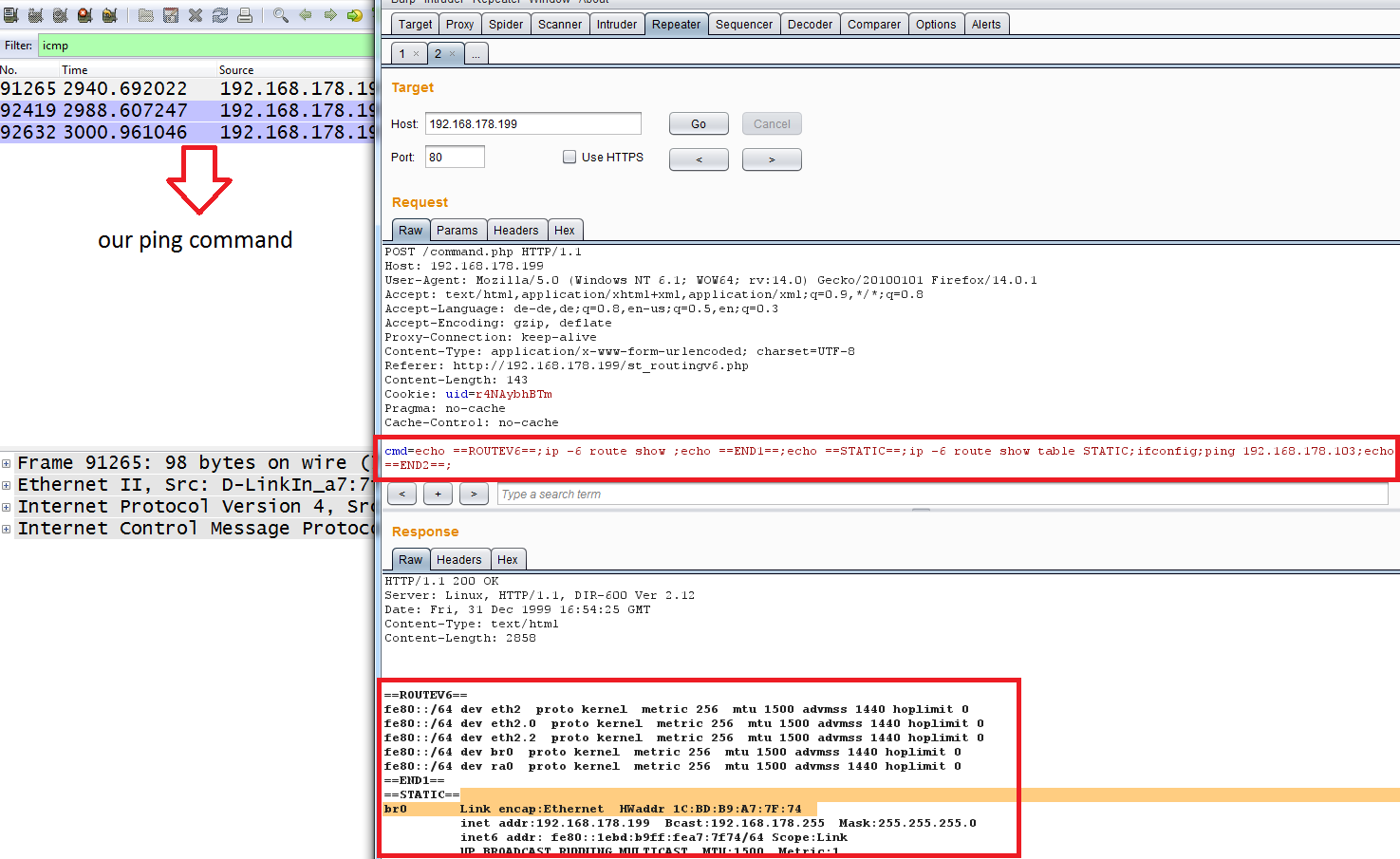
For mesh systems, firmware hacks can disrupt node synchronization. Check that all nodes are connected and communicating properly. If a node drops offline frequently, the hack may have interfered with the mesh protocol. Revert to the original firmware if stability issues persist.
The Federal Communications Commission (FCC) has issued guidance in DA 26-286A1 regarding software and firmware updates that mitigate harm to U.S. consumers for routers authorized prior to March 23, 2026. This underscores the importance of verifying the legitimacy and safety of any firmware modifications you make. Always prioritize stability and security over experimental features.
Plan for ownership costs
A router’s sticker price is only the entry fee. The real cost comes from maintenance, replacement cycles, and the hidden tax of outdated hardware. When you buy a budget router to flash with custom firmware, you are betting that the device will last long enough to justify the effort. If the hardware fails after six months, your time investment vanishes.
Maintenance and Support
Firmware hacks require ongoing attention. OpenWrt, DD-WRT, and Entware communities release security patches, but these updates are community-driven, not guaranteed. If your router model is discontinued by the manufacturer, you lose access to official firmware updates. This leaves you vulnerable to security flaws and incompatible mesh nodes. A cheap router that stops receiving updates becomes a liability, not a savings.
Hardware Limits
Firmware can optimize QoS and mesh handoffs, but it cannot create RAM or CPU power. If a router struggles with packet loss under heavy load, no amount of code will fix the silicon limits. You will eventually need to upgrade to a device with better thermal design and processing power. Plan for a 3-5 year replacement cycle for consumer-grade hardware. Ignoring this leads to performance bottlenecks that feel like a bad internet connection, even when your ISP is delivering full speed.
The Total Cost of Ownership
| Factor | Budget Router (Flashed) | Mid-Range Router (Stock) |
|---|---|---|
| Upfront Cost | Low | Moderate |
| Setup Time | High (Technical) | Low (Plug & Play) |
| Security Updates | Community-dependent | Vendor-managed |
| Hardware Lifespan | 2-4 Years | 4-6 Years |
The cheapest option often costs more in time and frustration. If you value your time, a mid-range router with stock firmware may offer a better return on investment. However, for tech-savvy users, the ability to customize QoS and mesh behavior can extend a router’s useful life beyond its stock capabilities.


As an Amazon Associate, we may earn from qualifying purchases.
2026 router firmware: what to check next
Before flashing custom firmware or buying a new device, it helps to understand how the regulatory landscape and hardware cycles are shifting in 2026.
What is the new router for 2026?
Wi-Fi 7 has reached a maturity point this year, with firmware updates stabilizing early features and prices dropping into the double digits. While Wi-Fi 6E remains viable, Wi-Fi 7 is now the standard for high-performance mesh systems, offering better latency and throughput for modern clients.
What is the best router firmware?
Open-source options like DD-WRT, Tomato, and OpenWrt remain the top choices for unlocking hidden QoS and mesh features. For proprietary hardware, stick to the latest stable builds from manufacturers like Asus or Netgear, as these often include critical security patches and performance tweaks not found in older versions.
Is WiFi 5 still good in 2026?
For basic browsing and streaming, Wi-Fi 5 (802.11ac) still works, but it struggles with modern multi-device households. Many users report hardware limitations and unfulfilled feature requests on older Wi-Fi 5 routers, making an upgrade to Wi-Fi 6 or 7 a more practical long-term investment.
How do I know if my router firmware is up to date?
Check the admin panel under "System" or "Administration" to see the current build number. Cross-reference this with the manufacturer's support page or forums like SNBForums to ensure you have the latest security fixes. Be aware that the FCC has extended deadlines for firmware updates on certain foreign-made routers, so verify support status before relying on older hardware.
No comments yet. Be the first to share your thoughts!