
Choosing the Right AI Router for Your Budget
Selecting an AI router involves balancing initial cost against long-term performance and durability. The market splits into three distinct tiers, each serving a different set of priorities. Entry-level models prioritize affordability and basic connectivity, while premium units focus on raw throughput, advanced security, and mesh coverage.
| Tier | Best For | Typical Price Range | Key Tradeoff |
|---|---|---|---|
| Entry-Level | Basic home Wi-Fi, light usage | $50 – $100 | Limited range; no advanced QoS |
| Mid-Range | Streaming, gaming, small offices | $100 – $200 | Balanced price-to-performance |
| Premium | Large homes, heavy bandwidth needs | $200+ | High upfront cost |
Entry-Level: The Basic Workhorse
These routers handle everyday tasks like web browsing and video streaming without breaking the bank. They lack the advanced traffic-shaping features of higher-end models, meaning your network might slow down if multiple devices stream 4K video simultaneously. They are ideal for apartments or small homes where coverage area is not a concern. Look for models that support Wi-Fi 6 to ensure future-proofing without the premium price tag.
Mid-Range: The Sweet Spot
Mid-range routers offer the best balance of price and performance. They typically include Quality of Service (QoS) settings, allowing you to prioritize gaming or video calls over background downloads. The coverage is sufficient for most single-family homes. If you need a few extra access points for dead zones, many mid-range options support mesh networking at a reasonable add-on cost. This tier is the safest bet for most users.
Premium: Maximum Performance
Premium routers are built for power users. They feature powerful processors, extensive antenna arrays, and advanced AI-driven traffic optimization. These models can handle dozens of connected devices with minimal latency, making them perfect for smart homes, heavy gamers, or home offices. The tradeoff is the price. You are paying for marginal gains in speed and coverage that may not be noticeable in smaller spaces.
Making the Decision
Your budget should align with your actual usage. If you only browse social media and check email, an entry-level router is sufficient. If you work from home or game online, invest in a mid-range or premium model. Remember that router age and condition also matter; buying a refurbished premium model can sometimes offer better performance than a brand-new entry-level unit.
Compare AI network routing options
AI routing automates the process of directing data to its intended destination using advanced algorithms and machine learning, rather than relying on static, manual configurations. This approach optimizes traffic flow, reduces latency, and improves overall network efficiency, particularly for complex AI workloads.
When selecting a routing solution, it is essential to compare how different protocols handle load balancing, traffic engineering, and real-time adaptation. The table below outlines the core characteristics of the strongest current options.
| Option | Primary Focus | Latency Impact | Implementation Complexity |
|---|---|---|---|
| Deep Learning-Based Protocols | Transmission efficiency and traffic control | Significant reduction | High |
| AI-Driven Traffic Engineering | Load balancing and resource allocation | Moderate reduction | Medium |
| State-of-the-Art Routing Drafts | Standardized load balancing frameworks | Variable | Low to Medium |
| Hybrid AI Infrastructure | Supporting specialized high-performance needs | Optimized for specific workloads | High |
Each option presents distinct tradeoffs depending on your network's specific requirements. Deep learning-based protocols offer the most significant latency reductions but require substantial computational resources and expertise to implement. AI-driven traffic engineering provides a balanced approach, improving load distribution without the same level of infrastructure overhaul.
Standardized routing frameworks, such as those outlined in current IETF drafts, offer a more accessible entry point for organizations looking to modernize their routing strategies. These solutions focus on practical load balancing and resource allocation, making them suitable for networks that need immediate improvements without a complete architectural shift.
Hybrid approaches combine specialized high-performance infrastructure with AI-driven decision-making. This option is ideal for networks supporting demanding AI workloads, where specific performance metrics are critical. However, the complexity of managing hybrid systems can be a barrier for smaller organizations.
Inspect the expensive parts
AI routing decisions are only as good as the data feeding them. When latency spikes or costs balloon, the issue usually stems from a few predictable failure points in the solver’s input pipeline. Treat your router like an engine: if the oil is dirty or the sensors are misaligned, the performance will suffer regardless of how advanced the computer is.
Use this checklist to audit the most expensive components of your AI network infrastructure.

High-cost models often handle simple queries that cheaper alternatives could manage. Inspect your logs for over-provisioning. If a basic classification task is routed to a frontier model, you are burning budget on capability you don’t need. Shift lightweight tasks to smaller, specialized models to cut costs without sacrificing speed.

Slow responses often occur because the router waits too long for a primary model to respond before failing over. Set strict timeout thresholds. If a model doesn’t respond within a defined window, immediately route the request to a secondary provider. This prevents single points of failure from dragging down your entire user experience.
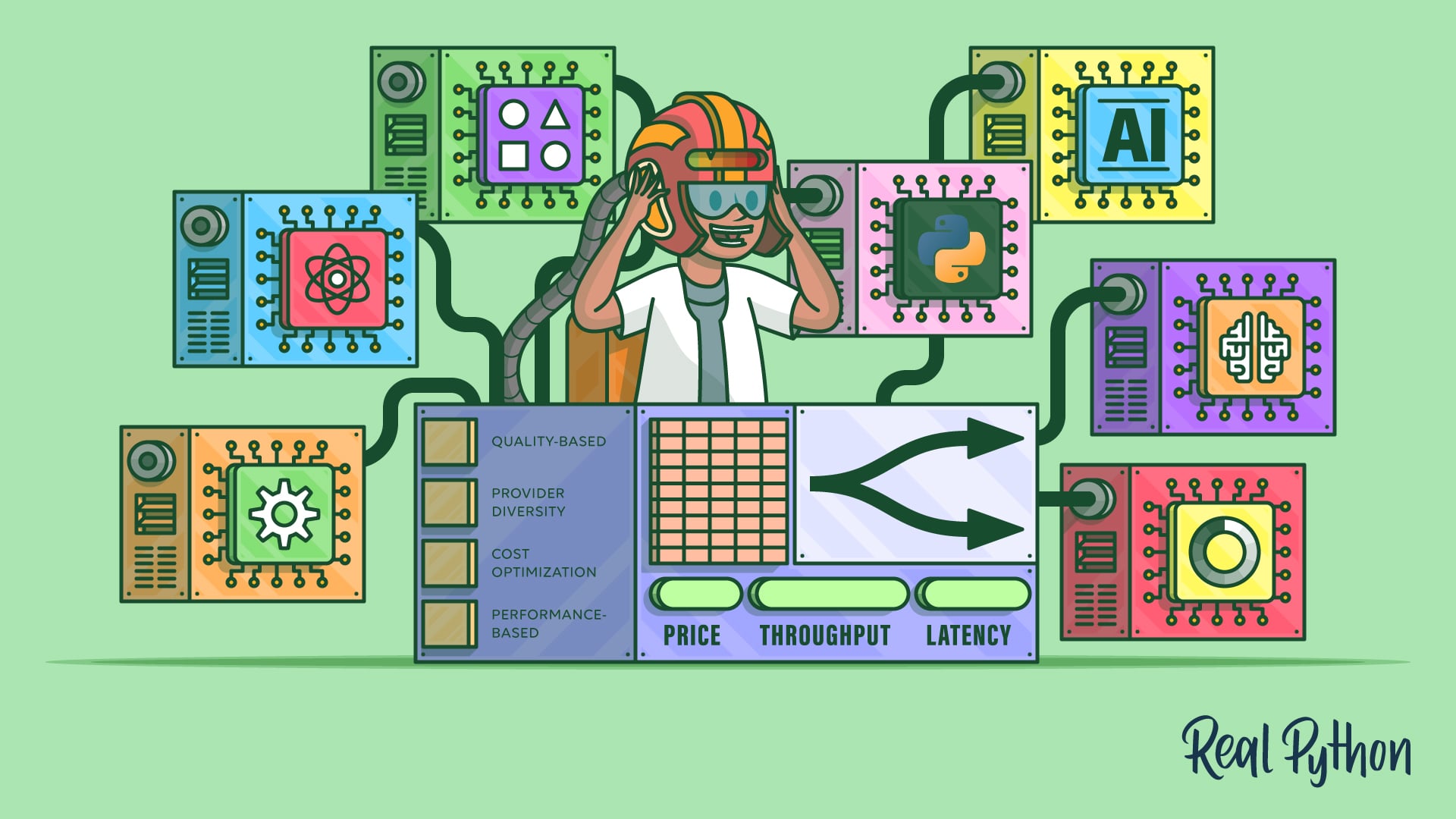
Preprocessing steps like input cleaning or formatting can add significant latency before the model even sees the prompt. Measure the time spent on these steps. If sanitization takes longer than the inference itself, you have a structural inefficiency. Streamline your preprocessing pipeline or move it to a faster, asynchronous queue.
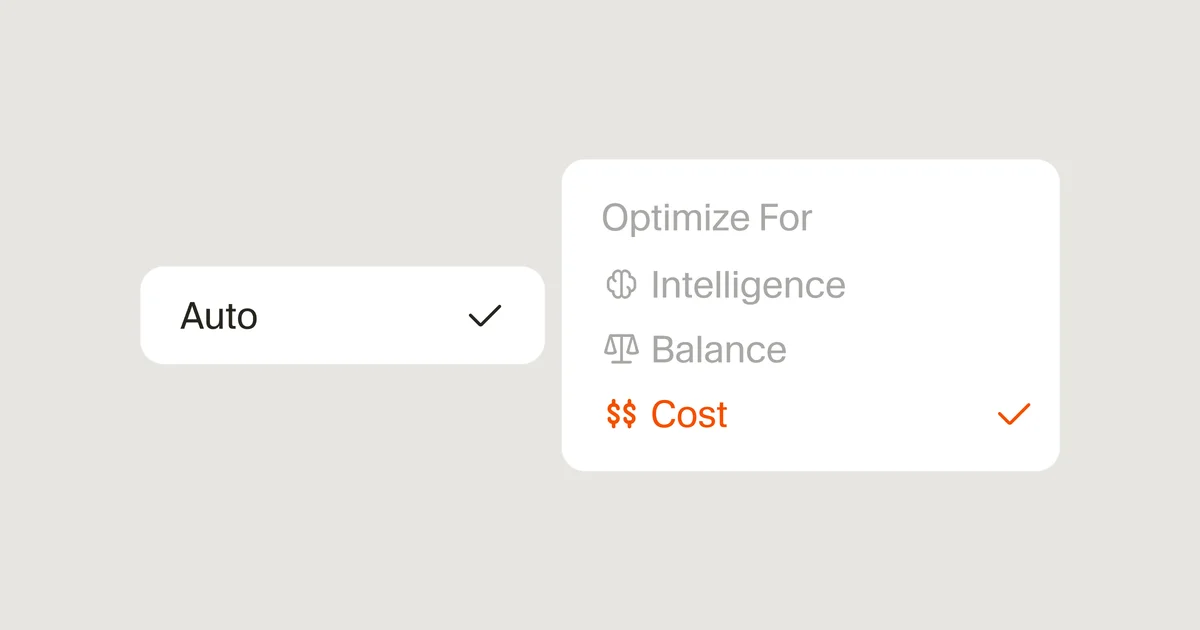
AI providers experience outages and rate limits that change daily. A routing strategy that worked last week might fail today if a provider’s reliability drops. Implement real-time health checks that monitor provider uptime and response times. Adjust your routing weights dynamically based on current availability rather than static configurations.
By focusing on these specific failure points, you can identify where your router is leaking money and time. Fixing these areas often yields immediate improvements in both latency and cost efficiency.
Plan for ownership costs
Buying a low-cost AI router is often the start of a hidden budget bleed. The purchase price is just the entry fee; the real costs come from maintenance, power consumption, and the inevitable need to replace hardware that can’t keep up with 2026 traffic demands.
The maintenance trap
AI-driven routing requires constant tuning. Unlike traditional routers that "set and forget," solver-based systems need regular updates to their optimization models. If you skip firmware patches or let the training data stagnate, latency spikes return. You are paying for the device, but also for the hours spent debugging why traffic is still bottlenecking.
Power and space overhead
AI routers often pack more processing power into smaller footprints, which means higher heat and power draw. A device that looks cheap on Amazon might add $50–$100 a year to your electricity bill if it runs 24/7 in a poorly ventilated closet. Factor in the cost of better cooling or dedicated network racks if you are scaling to multiple units.
When cheap stops being cheap
A budget router fails when it can’t handle the throughput your AI workloads require. You will end up buying a second, more powerful unit to offload the traffic, effectively doubling your cost. Instead of chasing the lowest sticker price, look for devices with upgradable memory and open-source firmware support. This extends the hardware’s life and keeps long-term ownership costs predictable.
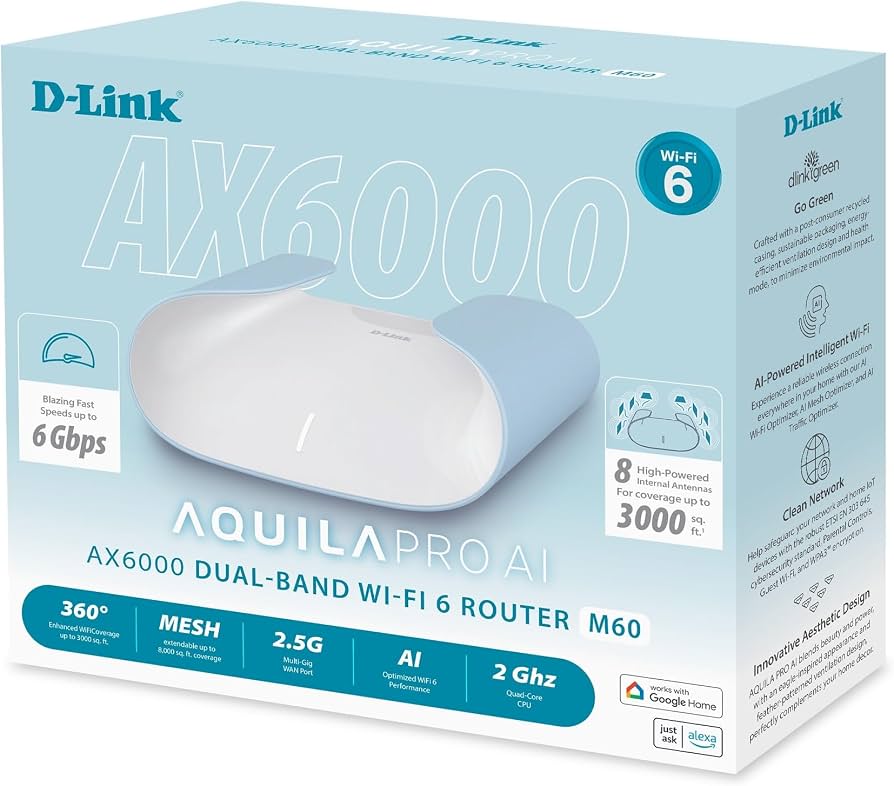
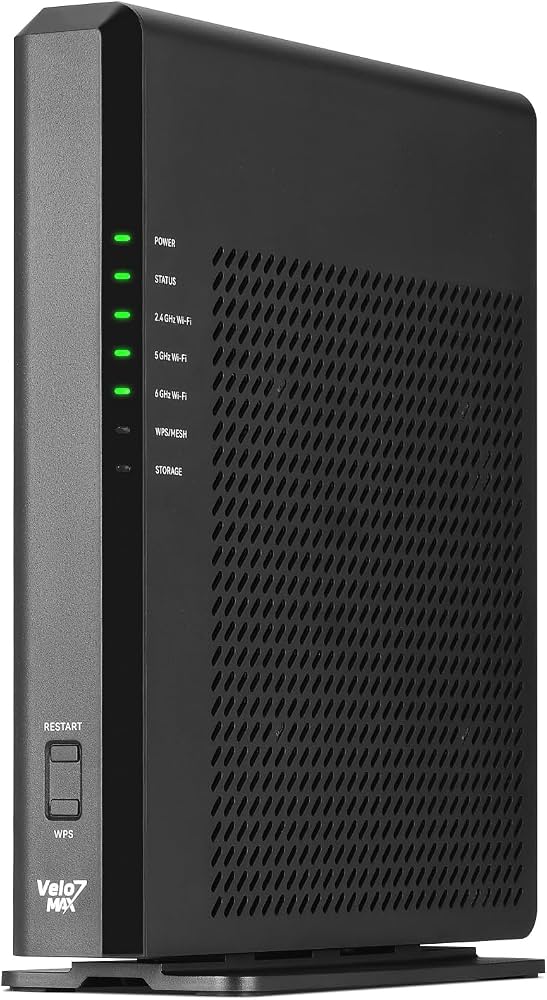

As an Amazon Associate, we may earn from qualifying purchases.
Ai network routing: what to check next
These answers address the practical questions most buyers ask before implementing solver-based routing or AI-driven traffic management.
No comments yet. Be the first to share your thoughts!