
Why Wi-Fi 7 beats Wi-Fi 6E in 2026
If you are still running a Wi-Fi 6E router in 2026, you are likely getting good speeds, but you are missing the structural upgrades that make Wi-Fi 7 the superior choice for modern homes. The leap isn't just about raw throughput; it is about how the network handles congestion and latency. With multi-gig fiber becoming standard and households packing dozens of devices, the old way of doing things—where devices take turns talking to the router—creates bottlenecks that Wi-Fi 7 solves.
The headline feature is Multi-Link Operation (MLO). Think of your router as a dispatcher with multiple phone lines. Wi-Fi 6E forces your devices to pick one line and stick with it. Wi-Fi 7 lets a device connect to the 2.4GHz, 5GHz, and 6GHz bands simultaneously. If the 5GHz band gets crowded with your neighbor's network, the data instantly reroutes through the 6GHz band without dropping the connection. For gaming or video calls, this means latency stays rock solid even when the house is busy.
Then there is the width of the data pipes. Wi-Fi 7 supports 320MHz channels, which are twice as wide as the 160MHz channels in Wi-Fi 6E. This is like upgrading from a two-lane highway to a four-lane highway. You can push more data at once, which matters most when you are transferring large files or streaming 4K video to multiple TVs at the same time. While theoretical speeds hit 46 Gbps, the real-world benefit is a noticeable reduction in lag and buffering.
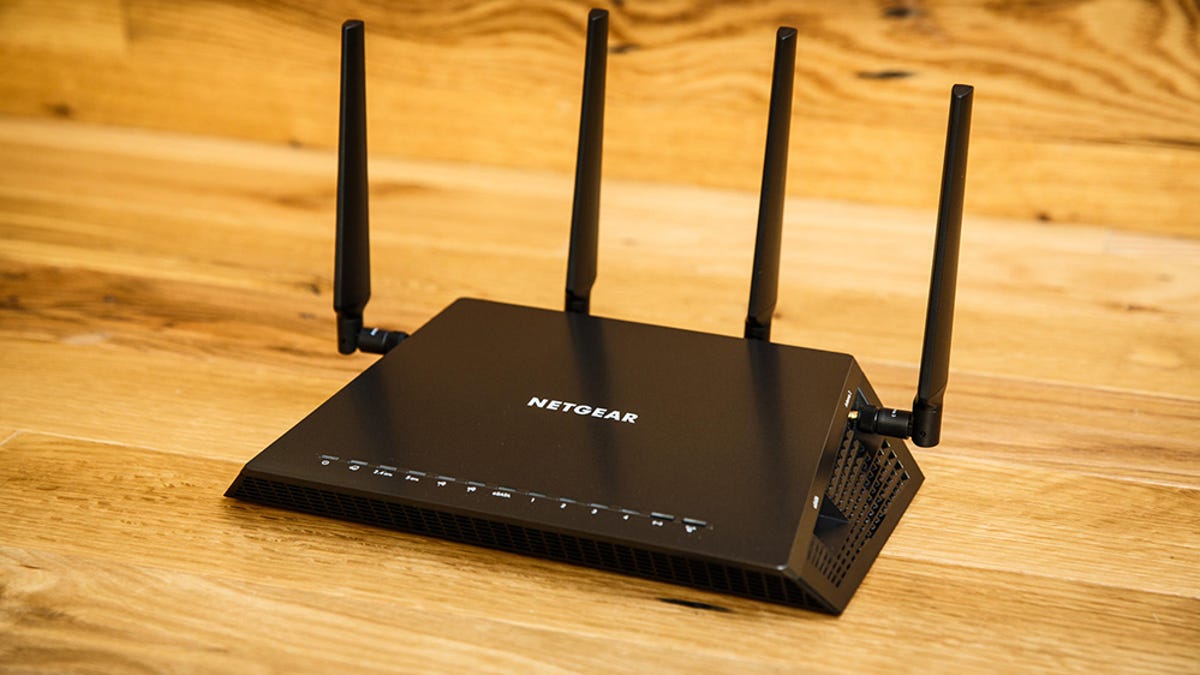
Should you upgrade now? If you have a multi-gig internet plan, a packed smart home, or you want a router that will last the next five years, Wi-Fi 7 is the clear winner. Wi-Fi 6E is still excellent for smaller homes under 1 Gbps, but for anyone looking for a true "Wi-Fi 7 router 2026" experience, the technology gap is wide enough to matter.
7 Best Wi-Fi 7 Routers 2026: Top Picks for Gaming and Mesh
Use this section to make the Best Wi-Fi 7 Routers decision easier to compare in real life, not just on paper. Start with the reader's actual constraint, then separate must-have requirements from details that are merely nice to have.
-
Best Overall Mesh System: eero Max 7 This tri-band mesh kit dominates the market for whole-home coverage. It delivers over 3Gbps close to the router and maintains 1Gbps at 100 feet. The setup is straightforward, and the performance is consistent across large homes with thick walls. It is the top performer for most users who want a set-and-forget solution.
-
Best Gaming Router: TP-Link Archer GE650 For competitive gamers, low latency is everything. The Archer GE650 offers dedicated gaming ports and optimized traffic prioritization. Its design is compact, and the speed is sufficient for multi-gig fiber connections. It is a strong standalone choice if you do not need mesh coverage.
-
Best Value Pick: TP-Link Archer BE550 CNET’s Editors’ Choice, the BE550 balances price and performance. It offers solid Wi-Fi 7 features like MLO and 320MHz channel support without the premium price tag of top-tier models. It is ideal for apartments or small homes where you want future-proofing without overspending.
-
Best for Large Homes: Netgear Orbi 970 If your home is over 3,000 square feet, the Orbi 970 provides the necessary range. It uses a dedicated backhaul band to ensure nodes communicate quickly. The system is expensive, but it eliminates dead zones effectively. It is the go-to for multi-story homes with complex layouts.
-
Best Budget Wi-Fi 7: ASUS RT-AX86U Pro (with Wi-Fi 7 Upgrade) While primarily a Wi-Fi 6E router, ASUS has released firmware updates and newer models that bridge the gap. For budget-conscious buyers, this option provides reliable performance. It is a good stepping stone if you are not ready to fully commit to Wi-Fi 7 hardware yet.
-
Best Enterprise-Grade Home Router: Ubiquiti UniFi 7 For tech-savvy users who want full control, the UniFi 7 series offers professional-grade features. It requires a controller for setup, but the customization options are unmatched. It is perfect for home labs or users who want to integrate their network with other smart home systems.
-
Best Portable Wi-Fi 7 Router: GL.iNet Flint 2 For travelers or remote workers, this compact router brings Wi-Fi 7 capabilities on the go. It supports 320MHz channels and MLO, ensuring fast connections in cafes or hotels. It is a niche pick but essential for those who need reliable internet outside their home.
A practical choice should survive normal use, maintenance, timing, and budget. If a recommendation only works in an ideal situation, call that out plainly and give the reader a fallback path.
The simplest way to use this section is to write down the must-have criteria first, then compare each option against those criteria before weighing nice-to-have features.
How to choose the right Wi-Fi 7 router in 2026
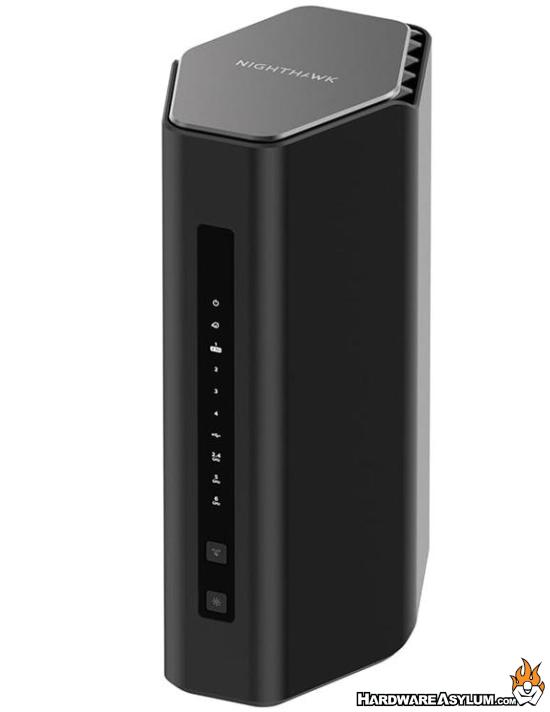
Buying a Wi-Fi 7 router is less about chasing the highest number and more about matching the hardware to your actual home environment. In 2026, Wi-Fi 7 is the standard for high-performance networking, but you need to align its capabilities with your internet speed tier, home size, and device count to get value for your money.
Match the router to your internet plan
Your internet service provider (ISP) speed is the ceiling for your network. If you have a 1 Gbps fiber connection, a Wi-Fi 7 router with multi-gigabit Ethernet ports ensures you aren’t bottlenecked by the wired connection. However, if you are on a standard 200-500 Mbps plan, Wi-Fi 6 or Wi-Fi 6E might be more cost-effective. Wi-Fi 7 shines when you have multi-gigabit fiber or plan to upgrade soon, offering headroom for future-proofing.
Account for home size and layout
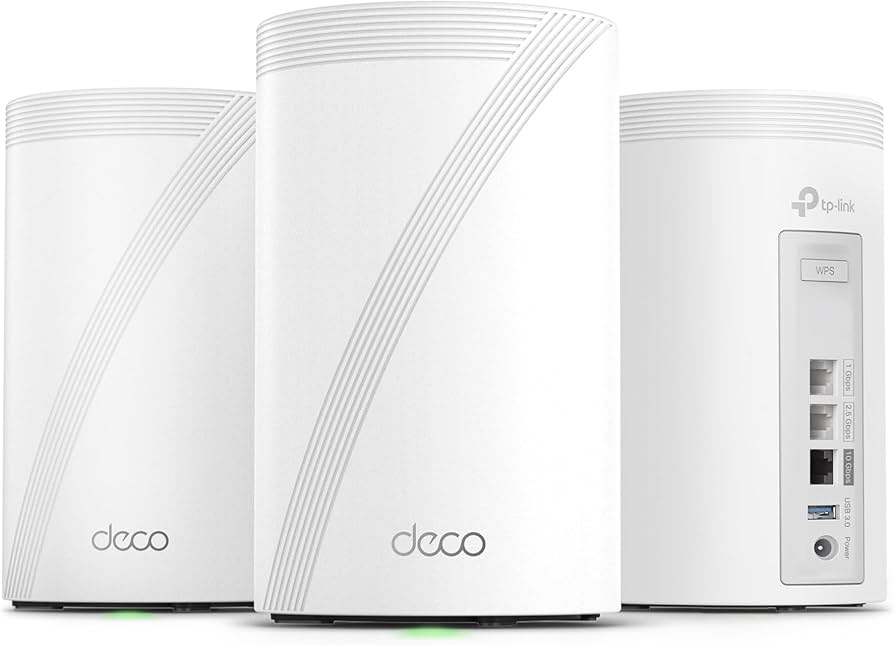
Wi-Fi 7 introduces 320 MHz channels and better interference management, but signal strength still degrades with distance and obstacles. For small apartments or single-story homes under 1,500 square feet, a single high-end Wi-Fi 7 router is usually sufficient. For larger homes or those with thick walls, a mesh system is necessary. Look for tri-band Wi-Fi 7 mesh kits that utilize the dedicated 6 GHz band for backhaul, ensuring your nodes talk to each other without slowing down your devices.
Count your active devices
The number of connected devices dictates the router’s processing power and memory needs. A household with 20+ devices—including smart home gadgets, streaming boxes, and gaming consoles—benefits from Wi-Fi 7’s OFDMA (Orthogonal Frequency Division Multiple Access) and MLO (Multi-Link Operation). These technologies allow the router to communicate with multiple devices simultaneously on different bands, reducing latency and congestion. If you have fewer than 10 devices, a standard Wi-Fi 6 router may suffice, but Wi-Fi 7 ensures smoother performance as your ecosystem grows.

As an Amazon Associate, we may earn from qualifying purchases.
Wi-Fi 7 vs Wi-Fi 6E: Is the upgrade worth it?
If you have a solid Wi-Fi 6E router and your internet speed is under 1 Gbps, stick with it. Wi-Fi 6E is still excellent in 2026 for most homes with fewer than 20 active devices. The extra speed and bandwidth of a new Wi-Fi 7 router 2026 model won't make a noticeable difference if your internet plan caps out at 1 Gbps.
However, upgrading makes sense if you have multi-gig fiber internet, a packed smart home, or you want a router that will last the next five years. Wi-Fi 7 offers lower latency and better handling of multiple high-bandwidth streams, which matters if you're gaming competitively or streaming 4K video to several screens at once. Think of it like upgrading from a four-lane highway to an eight-lane superhighway; if you only have a few cars, the extra lanes don't help. But if you're moving a lot of traffic, the difference is clear.
| Feature | Wi-Fi 6E | Wi-Fi 7 |
|---|---|---|
| Max Speed | Up to 9.6 Gbps | Up to 46 Gbps |
| Channel Width | 160 MHz | 320 MHz |
| Latency | Low | Ultra-low (multi-link operation) |
| Best For | Standard 1 Gbps plans | Multi-gig fiber & heavy loads |
No comments yet. Be the first to share your thoughts!