
Plan your AI-ready network foundation
AI traffic behaves differently than traditional web traffic. Agentic AI moves in bursts, requiring high bandwidth and low latency that standard enterprise networks often struggle to handle. Before deploying AI models, you must audit your infrastructure to ensure it can support these new patterns.
Start by evaluating your hardware. Cisco’s 2026 agenda highlights the need for high-end routers, such as the 8223, which offers 51.2 Tbps of capacity. This level of throughput is becoming standard for AI-ready infrastructure. Check if your current switches and routers can handle the increased packet density without introducing jitter.
Next, assess your bandwidth capacity. AI workloads are not steady streams; they are heavy, intermittent spikes. Your network must have enough headroom to absorb these peaks without dropping packets. If your current bandwidth is near capacity during peak hours, you will need to upgrade your links or implement traffic shaping policies.
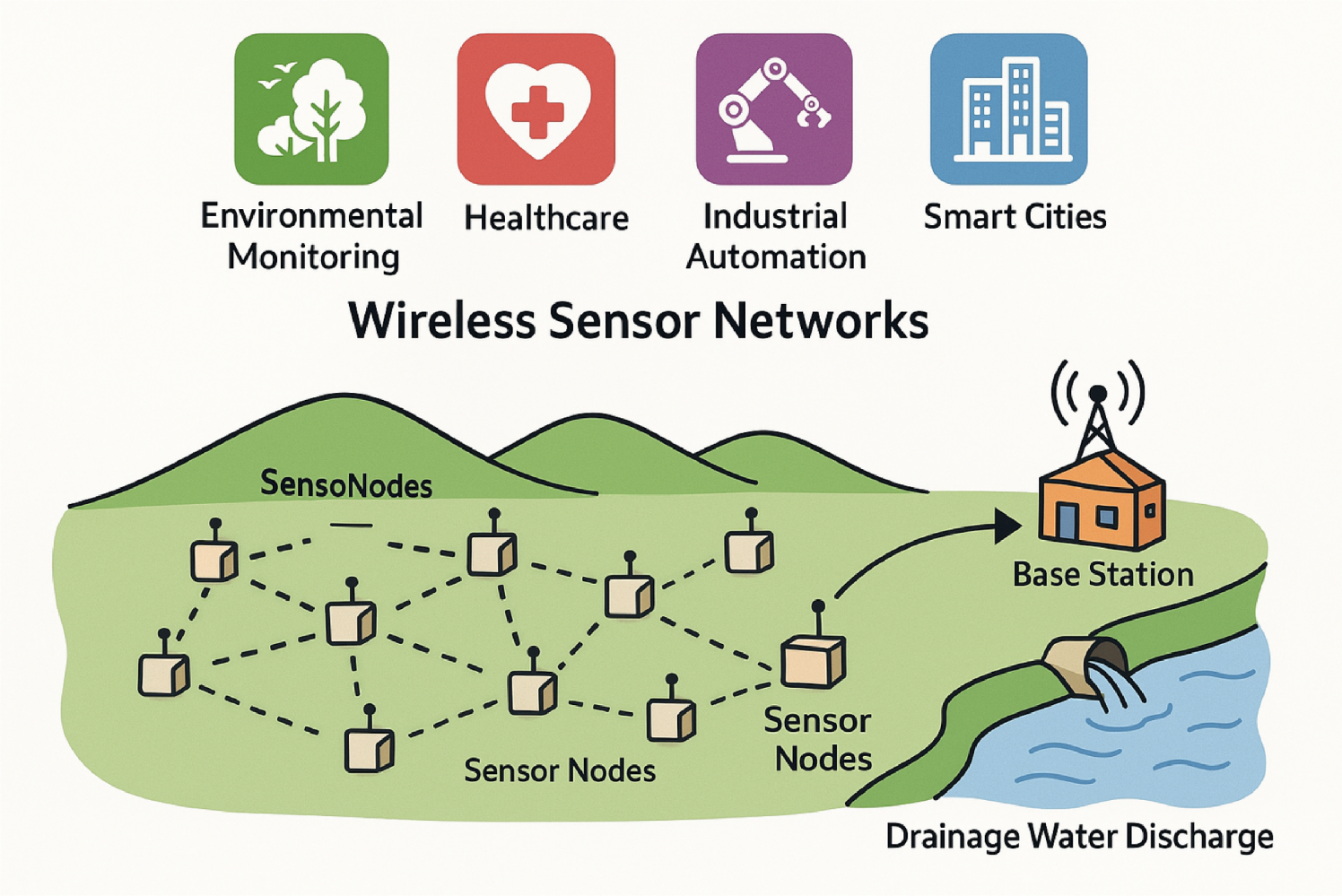
Use this checklist to verify your readiness:
-
Router Capacity: Ensure core routers support at least 40+ Tbps throughput.
-
Switch Latency: Verify switch latency is under 1 microsecond for local AI traffic.
-
Bandwidth Headroom: Confirm you have at least 30% unused bandwidth for AI bursts.
-
Network Segmentation: Isolate AI traffic from general user traffic to prevent congestion.
Without this foundation, AI models will perform poorly regardless of their algorithmic quality. Build the pipe first, then fill it with intelligence.
Configure smart traffic steering rules
Intelligent routing requires explicit policies that distinguish between latency-sensitive AI workloads and bulk data transfers. Without these rules, high-throughput operations can saturate links, causing inference latency spikes that degrade model performance. You must configure your network infrastructure to prioritize real-time inference traffic over background synchronization.
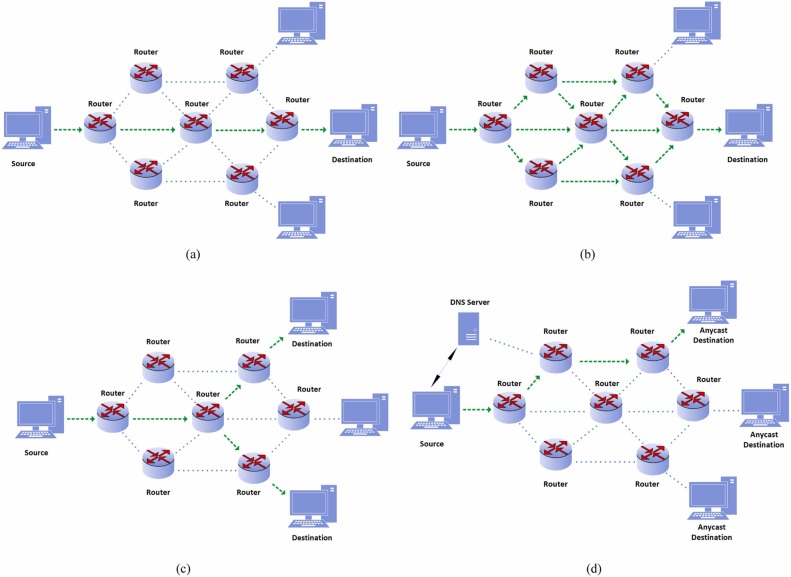
Begin by mapping your AI workloads. Identify which services require sub-millisecond latency, such as real-time inference endpoints, and which can tolerate higher delays, like model training data synchronization. Use network monitoring tools to establish baseline traffic patterns. This distinction is critical because AI routing algorithms rely on accurate traffic classification to make optimal forwarding decisions.
Implement Quality of Service (QoS) policies on your edge switches and routers. Tag AI inference traffic with high-priority DSCP (Differentiated Services Code Point) values, such as EF (Expedited Forwarding). Ensure that bulk data transfers are tagged with lower-priority values. This tagging allows intermediate network devices to recognize and prioritize packets belonging to latency-critical AI applications during congestion events.
Update your SDN controller or routing protocol configurations to enforce the QoS policies. Create specific routing rules that direct tagged AI traffic through low-latency paths, potentially bypassing congested segments. For example, you might configure a static route or a policy-based routing (PBR) entry that sends inference traffic over a dedicated high-speed link while allowing bulk data to traverse standard paths.
Simulate high-load conditions to verify that your AI workloads maintain low latency. Use traffic generation tools to flood the network with bulk data and observe whether inference packets are still forwarded with minimal delay. Monitor packet loss and jitter metrics to ensure the prioritization logic is functioning as intended. Adjust QoS weights or routing metrics if you observe any degradation in AI service quality.
By strictly enforcing these traffic steering rules, you ensure that your AI infrastructure remains responsive even under heavy network load. This configuration prevents bulk data operations from interfering with time-sensitive AI tasks, maintaining the performance integrity required for production AI deployments.
Monitor and adjust routing algorithms
Real-time telemetry is the only way to verify that your AI network routing is actually reducing bottlenecks. Without continuous data, the AI is flying blind, and what looks like optimization on paper often fails under live load. You need to validate that traffic distribution matches your latency and throughput targets before considering the implementation stable.
Start by establishing a baseline of your network’s normal behavior. Most AI routing systems require a period of observation to learn the standard traffic patterns. During this phase, avoid making manual overrides. Let the system collect data on peak hours, application dependencies, and typical packet loss rates. This historical context allows the routing algorithms to distinguish between normal congestion and genuine anomalies that require intervention.
Once the baseline is set, monitor the telemetry dashboards for deviation. Look for spikes in latency or unexpected packet drops that the AI has not yet rerouted. If you see the system hesitating or making suboptimal choices, it is likely overfitting to the initial data. In these cases, you must tweak the parameters. Adjust the weightings for specific metrics like jitter or bandwidth availability to better reflect your current business priorities.
Warning: Avoid over-optimizing for a single metric at the expense of overall stability. Focusing too heavily on latency, for example, can cause the routing engine to ignore packet loss or bandwidth constraints, leading to intermittent connectivity issues that are harder to diagnose.
As network load changes, your routing parameters must evolve. AI workloads and hybrid cloud adoption are driving more distributed traffic, which means static configurations quickly become obsolete. Schedule regular reviews of your telemetry data to identify trends. If you notice a consistent shift in traffic patterns, update the AI’s decision logic to reflect the new reality. This iterative process ensures that your routing remains efficient and responsive to the dynamic nature of modern enterprise connectivity.
Verify performance with load testing
Implement AI Network Routing works best as a sequence, not a scramble through settings. Do the minimum first: confirm compatibility, connect the core hardware, update only when needed, and test the result before adding optional features. That order keeps the task understandable and makes failures easier to isolate. After each step, pause long enough for the interface to finish syncing. Many setup problems are timing problems disguised as configuration problems. If the same step fails twice, record the exact error, restart the smallest affected piece, and retry before moving deeper.
The simplest way to use this section is to keep the setup small, verify each change, and record the stable configuration before adding optional accessories.
Common ai routing: what to check next
Addressing specific constraints around resource allocation and implementation timelines helps clarify the path forward for AI network routing. These answers focus on the practical application of AI routing rather than abstract theory.
What is the 10/20/70 rule for AI?
The 10/20/70 principle guides how organizations should distribute resources to achieve success with AI. According to a report cited by Forbes, you should devote 10% of your resources to algorithms, 20% to technology and data infrastructure, and the remaining 70% to people and processes [1]. This distribution highlights that AI routing is less about the code and more about integrating it into human workflows and operational procedures.
How long does AI routing implementation take?
Implementation timelines vary based on infrastructure complexity. A typical deployment ranges from three to six months. This period covers data preparation, model training, and integration with existing network protocols. Rushing this process often leads to suboptimal routing decisions and increased latency.
Can AI routing handle legacy systems?
Yes, but it requires careful abstraction. AI routing algorithms typically operate on top of standard protocols like TCP/IP or HTTP. For legacy systems that lack native API support, you may need middleware or gateways to translate traffic patterns into data the AI model can interpret. This adds a layer of complexity but allows for gradual adoption without a full infrastructure overhaul.
What are the main risks of AI routing?
The primary risk is over-reliance on historical data. If your training data is biased or outdated, the AI may route traffic inefficiently or insecurely. Additionally, "model drift" can occur as network conditions change, requiring continuous monitoring and retraining to maintain performance.
No comments yet. Be the first to share your thoughts!