
Ai router 2026 budget
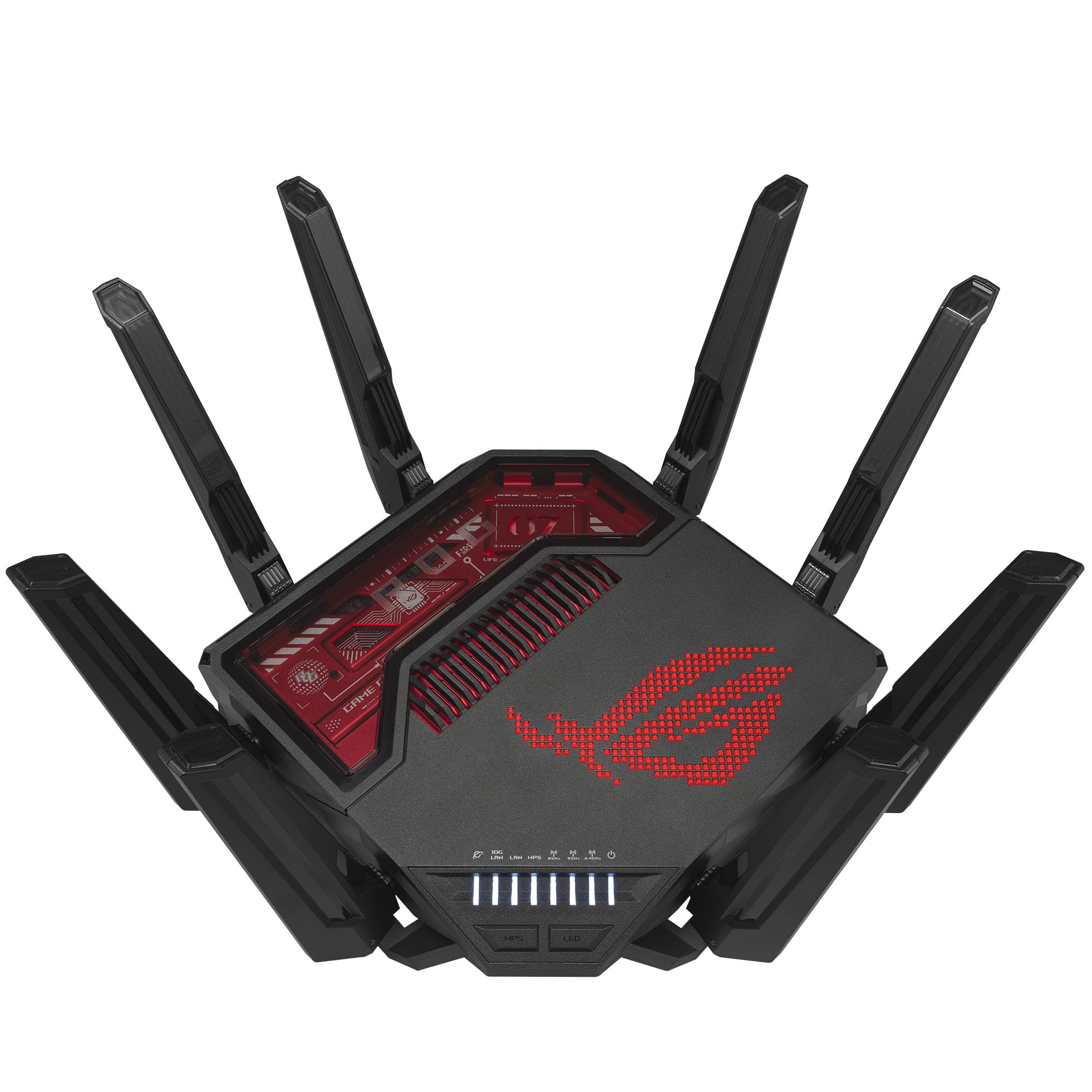
Finding a capable AI router under $300 requires balancing raw hardware against software features. In 2026, "AI" on a router usually means dedicated cores for traffic prioritization and local device management, not cloud-based automation. The ASUS ROG Rapture GT-BE19000AI shows this split, offering dual-chip intelligence for gaming acceleration while remaining a premium Wi-Fi 7 device. For budget buyers, the priority is ensuring the router supports the latest Wi-Fi 7 standard without charging extra for smart home hubs that duplicate functionality already in your phone or smart speaker.
When comparing models, check the processor architecture. Budget routers often use older chips that struggle with Wi-Fi 7’s increased data throughput, even if they advertise the latest standard. Look for devices with at least 2GB of RAM to handle multiple connected devices and background AI tasks without slowing down. Avoid routers that require expensive monthly subscriptions for their "smart" features; the best value comes from hardware that manages QoS (Quality of Service) and device prioritization locally.



As an Amazon Associate, we may earn from qualifying purchases.
The tradeoff in this price range is often coverage. Budget-friendly AI routers may lack the range of expensive mesh systems, so you might need a repeater for larger homes. Verify the router’s antenna configuration and beamforming capabilities. A single powerful router with good AI traffic shaping often outperforms a cheap mesh system with weak individual nodes. Prioritize devices with clear, local management interfaces so you can control device priorities without relying on third-party apps or cloud services.
Shortlist real options
Choosing the right hardware depends on whether you need consumer-grade Wi-Fi optimization or developer-level model routing. The term "AI router" now covers two distinct categories: smart Wi-Fi routers that use machine learning to manage home traffic, and LLM gateways that route AI model requests.
For most smart home users, the ASUS ROG Rapture GT-BE19000AI stands out as the primary hardware contender for 2026. It features a dedicated AI core designed to accelerate gaming traffic and optimize network latency automatically. This dual-chip intelligence represents a shift toward hardware-level automation rather than software-based management alone.
If you are building an AI application stack, you likely need an LLM router like OpenRouter or LiteLLM. These tools direct API calls to the most cost-effective or reliable model provider. They act as the central nervous system for your AI agents, ensuring that queries are routed efficiently across different large language models.
The table below compares the top consumer Wi-Fi AI routers against the leading software-based LLM routers. This distinction is critical because the hardware and software solutions serve entirely different technical needs.
| Product | Category | Core AI Feature | Best For |
|---|---|---|---|
| ASUS ROG Rapture GT-BE19000AI | Hardware | Dedicated AI core for traffic prioritization | Smart home & gaming |
| OpenRouter | Software | Unified API for multiple LLMs | AI app development |
| LiteLLM | Software | Proxy server for model routing | Enterprise AI infrastructure |
| Portkey | Software | Observability and guardrails | AI agent reliability |
| Vercel AI Gateway | Software | Edge-cached model routing | Web3 and frontend AI |
As an Amazon Associate, we may earn from qualifying purchases.
When evaluating these options, look for concrete metrics. For hardware, check for dedicated AI chips that handle packet inspection without taxing the main CPU. For software routers, verify support for your specific model providers and latency requirements. Avoid products that claim "AI" without specifying how the automation functions.
Inspect the expensive parts
Smart home automation relies on a router that can handle constant data chatter without choking. When an AI router fails, it doesn't just slow down Netflix; it breaks the connection between your security cameras, locks, and climate control. These are expensive, high-stakes failure points.
Before you commit to a model, check these three areas. They determine whether the device will support your ecosystem or become a bottleneck.
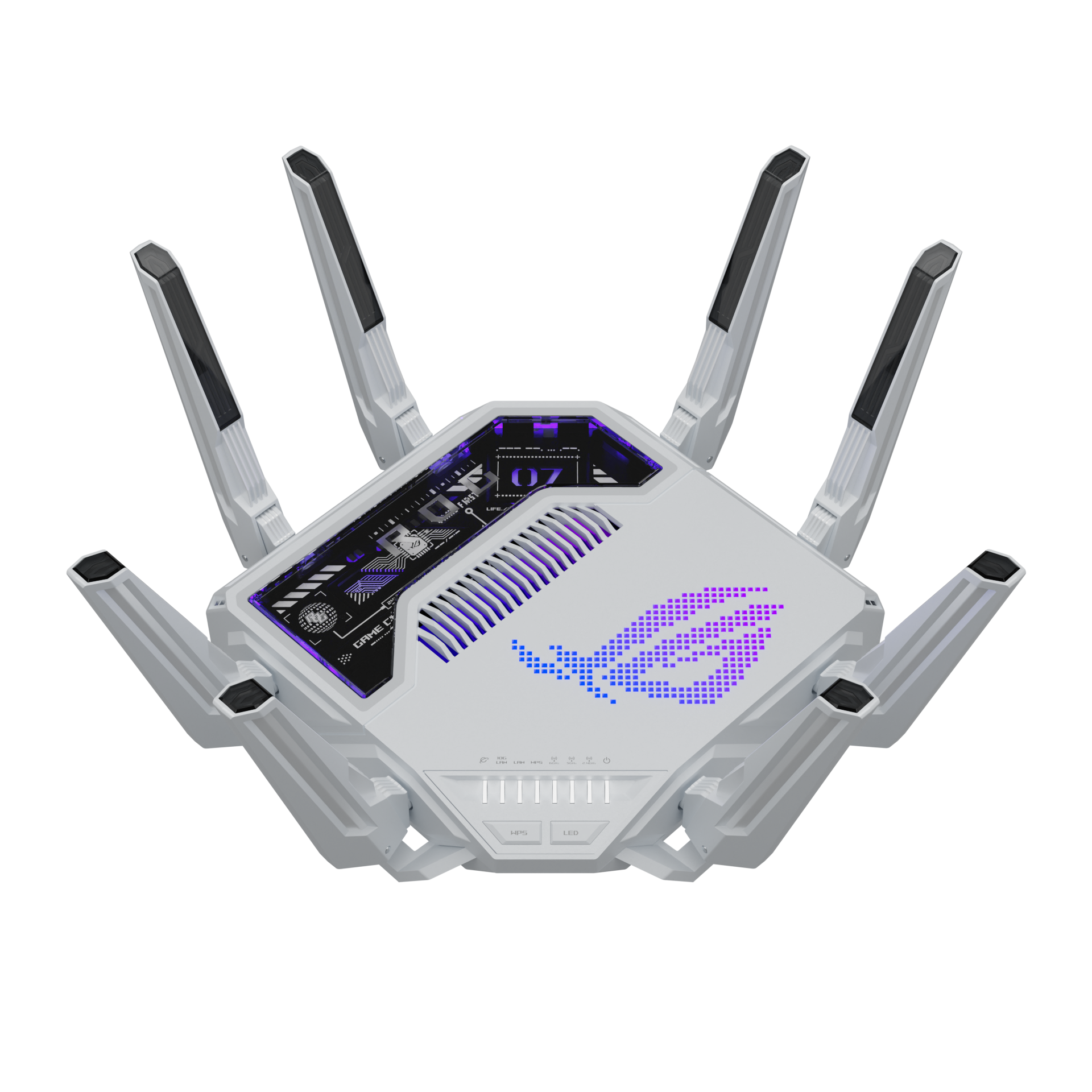
Look for a dedicated AI accelerator chip, not just a standard CPU. Models like the ASUS ROG Rapture GT-BE19000AI use dual-chip intelligence to handle AI-powered game acceleration and traffic prioritization independently. This offloading prevents the main processor from stalling when your smart home devices flood the network with status updates.
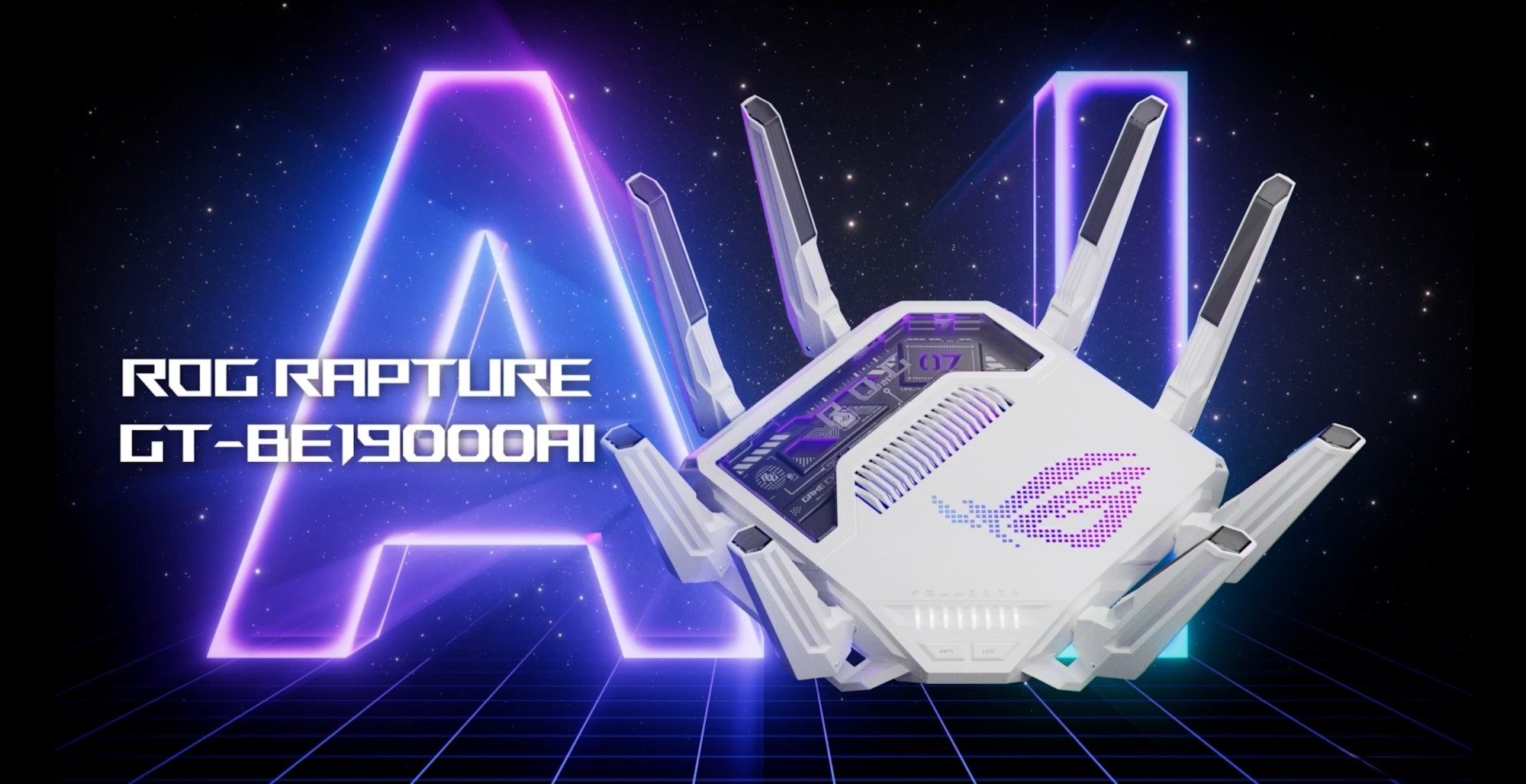
Ensure the router can process automation logic locally. If the AI features require a cloud subscription or constant internet connection, your smart home goes dark when your ISP has an outage. Look for routers that support local Docker containers or edge computing, allowing your automations to run even if the internet goes down.

Smart homes grow quickly. A single router will eventually fail under the weight of dozens of IoT devices. Choose a system that supports Wi-Fi 7 (802.11be) and scales seamlessly. Check if the mesh nodes share the same AI traffic management features, ensuring consistent performance from the main unit to the farthest corner of your home.
As an Amazon Associate, we may earn from qualifying purchases.
Plan for ownership costs
A cheap router often costs more over time. The initial price tag hides recurring expenses that add up quickly. Subscription fees for advanced security, cloud management, or AI features can turn a budget device into a monthly bill. Hardware repairs or replacements due to overheating or outdated Wi-Fi standards also drain your wallet.
Consider the total cost of ownership, not just the purchase price. A router with a dedicated AI chip, like the ASUS ROG Rapture GT-BE19000AI, may have a higher upfront cost but offers better long-term value through dedicated hardware acceleration and Docker support for self-hosted services. This avoids the need for separate servers or software licenses.
Watch for hidden maintenance surprises. Some routers require frequent firmware updates that can disrupt your network or require manual intervention. Others may lack the processing power to handle new AI-driven features, forcing an early upgrade. Check if the manufacturer provides long-term security patches and if the hardware can scale with your home’s growing number of devices.
When a cheap buy stops being cheap is often when you realize you’re paying for convenience you should have had from day one. Prioritize devices with strong community support, clear upgrade paths, and transparent pricing models to avoid these pitfalls.

As an Amazon Associate, we may earn from qualifying purchases.
Ai router 2026: what to check next
Navigating the 2026 router market requires separating marketing hype from actual hardware capabilities. The term "AI router" has become a broad label for devices that use machine learning to manage network traffic, but the implementation varies significantly between consumer Wi-Fi systems and specialized networking gear.
What is the new router for 2026?
The 2026 landscape is defined by Wi-Fi 7 adoption and dedicated hardware for network management. The ASUS ROG Rapture GT-BE19000AI is a prominent example, featuring a dedicated AI core alongside its main processor. This hardware allows the router to handle traffic prioritization locally without relying on cloud-based decision-making, which reduces latency for gaming and real-time applications.
What is an AI router?
An AI router uses machine learning algorithms to analyze traffic patterns and optimize performance automatically. Instead of static Quality of Service (QoS) settings, these devices learn which devices and applications need bandwidth first. They can detect congestion and reroute data streams in real-time, ensuring smooth video calls or gaming sessions even when the network is busy.
What is the best Wi-Fi router system 2026?
The best system depends on your home size and usage. For most homes, a tri-band Wi-Fi 7 mesh system with dedicated backhaul offers the best balance of speed and coverage. Look for systems that support multi-gigabit Ethernet ports and have strong firmware updates. Prioritize brands that offer local processing for privacy and consistent performance without subscription fees.
What is the Wi-Fi router in 2026?
The standard Wi-Fi router in 2026 is a Wi-Fi 7 (802.11be) device. This standard offers faster speeds, lower latency, and better efficiency in crowded environments through features like Multi-Link Operation (MLO). MLO allows devices to connect to multiple frequency bands simultaneously, providing a more stable connection than previous Wi-Fi 6 or 6E standards.
No comments yet. Be the first to share your thoughts!